
System profiles
The System tab under Notifications holds the notifications the controller raises by itself, for example on smoke, water or a low battery. They can be changed, not deleted: you edit channels, recipients and texts as for a profile of your own (see Notifications), except single devices, and Reset brings back the state as delivered.
The list
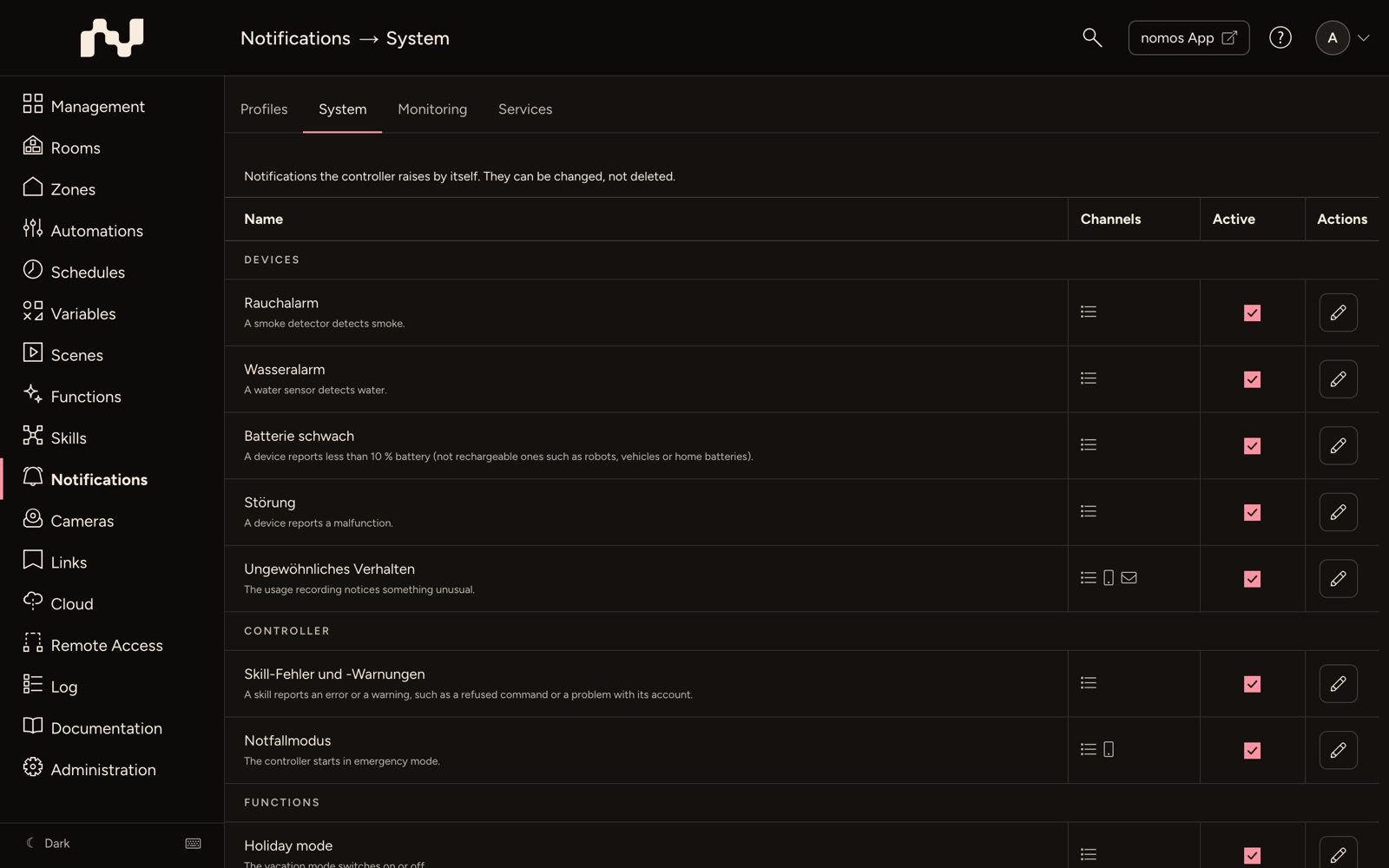
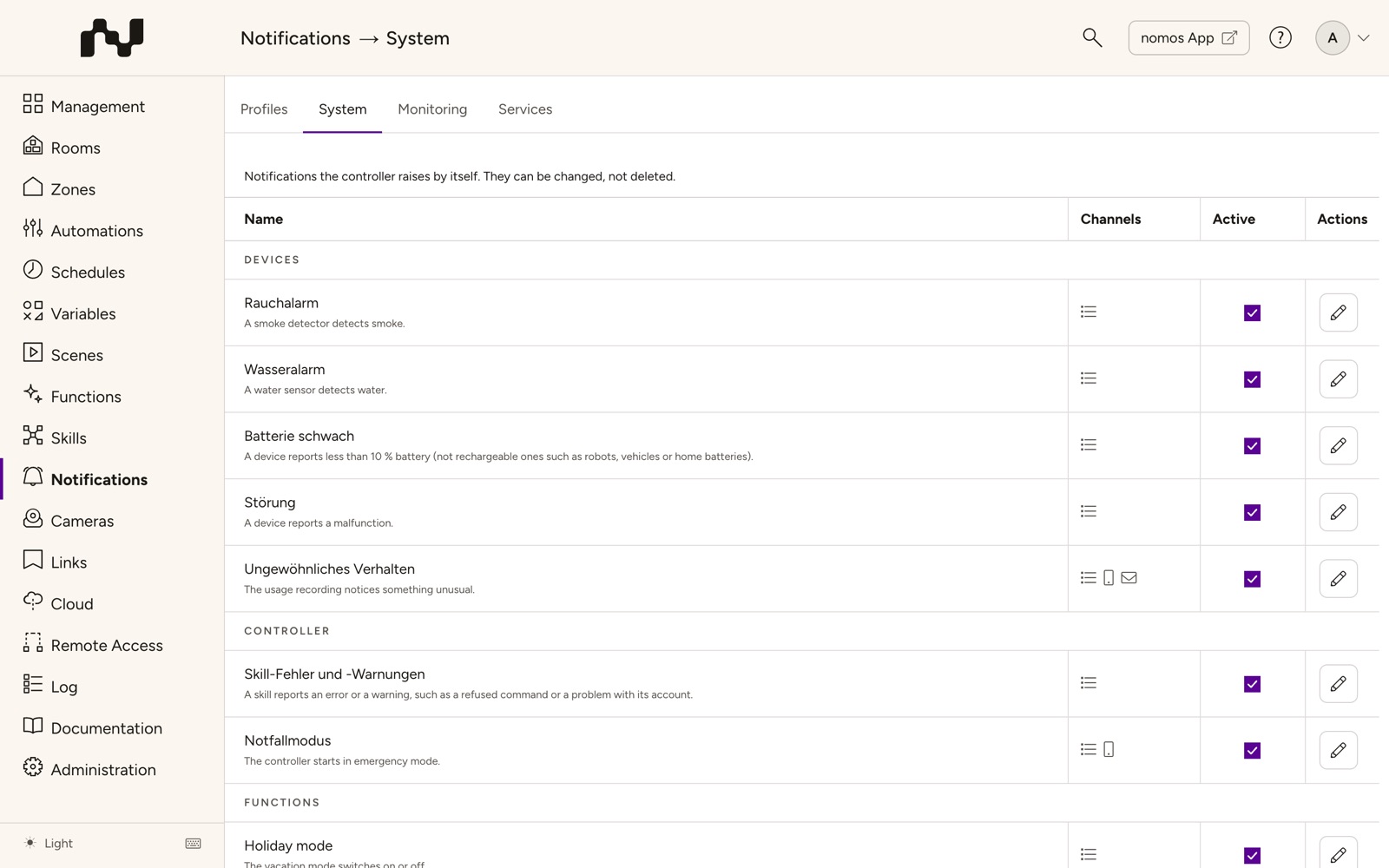
The profiles are listed in three groups: Devices, Controller and Functions. The table has these columns:
- Name: The profile's name, below it when it reports.
- Channels: One icon per channel that is on, as for your own profiles.
- Active: Switches the profile on or off at once. A profile that is off reports nothing.
- Actions: Edit opens the profile in the editor.
| Group | Profile | Reports when … | As delivered |
|---|---|---|---|
| Devices | Smoke alarm | a smoke detector detects smoke. | Log message, priority Emergency |
| Devices | Water alarm | a water sensor detects water. | Log message, priority Emergency |
| Devices | Low battery | a device reports less than 10 % battery (not rechargeable ones such as robots, vehicles or home batteries). | Log message, priority Low |
| Devices | Malfunction | a device reports a malfunction. | Log message, priority High |
| Devices | Unusual behaviour | the usage recording notices something unusual. | Log message, priority Normal |
| Controller | Skill errors and warnings | a skill reports an error or a warning, such as a refused command or a problem with its account. | Log message, priority High |
| Controller | Controller connection | a managed controller has been unreachable for more than 2 hours, and when it is back. | Log message (High), push notification and e-mail to Administrators |
| Controller | Emergency mode | the controller starts in emergency mode. | Log message (Emergency), push notification to Everyone (every device with the nomos app) |
| Functions | Vacation mode | the vacation mode switches on or off. | Log message, priority Normal |
Controller connection only appears on a controller that manages other controllers (management master).
The profiles carry the names of the controller's system language; the table shows the English ones.
When they report
- Smoke alarm, Water alarm and Malfunction report once per device. The same device reports again only after it has given the all-clear. This holds across a restart too.
- Low battery reports when the level falls below 10 %, and again only after it has reached 20 % or more. A level wobbling around 10 % therefore reports once. Rechargeable devices never report: robots, vehicles, energy devices such as home batteries and inverters, and Matter devices with a rechargeable battery. A level of 0 only counts once the device has reported a level above 0 before.
- Skill errors and warnings report the same message per skill or device at most every 15 minutes, for example when a vehicle refuses a command or an access expires soon.
- An excepted device or a profile that is off reports nothing. An alarm that starts during that time is not reported later either.
Changing a system profile
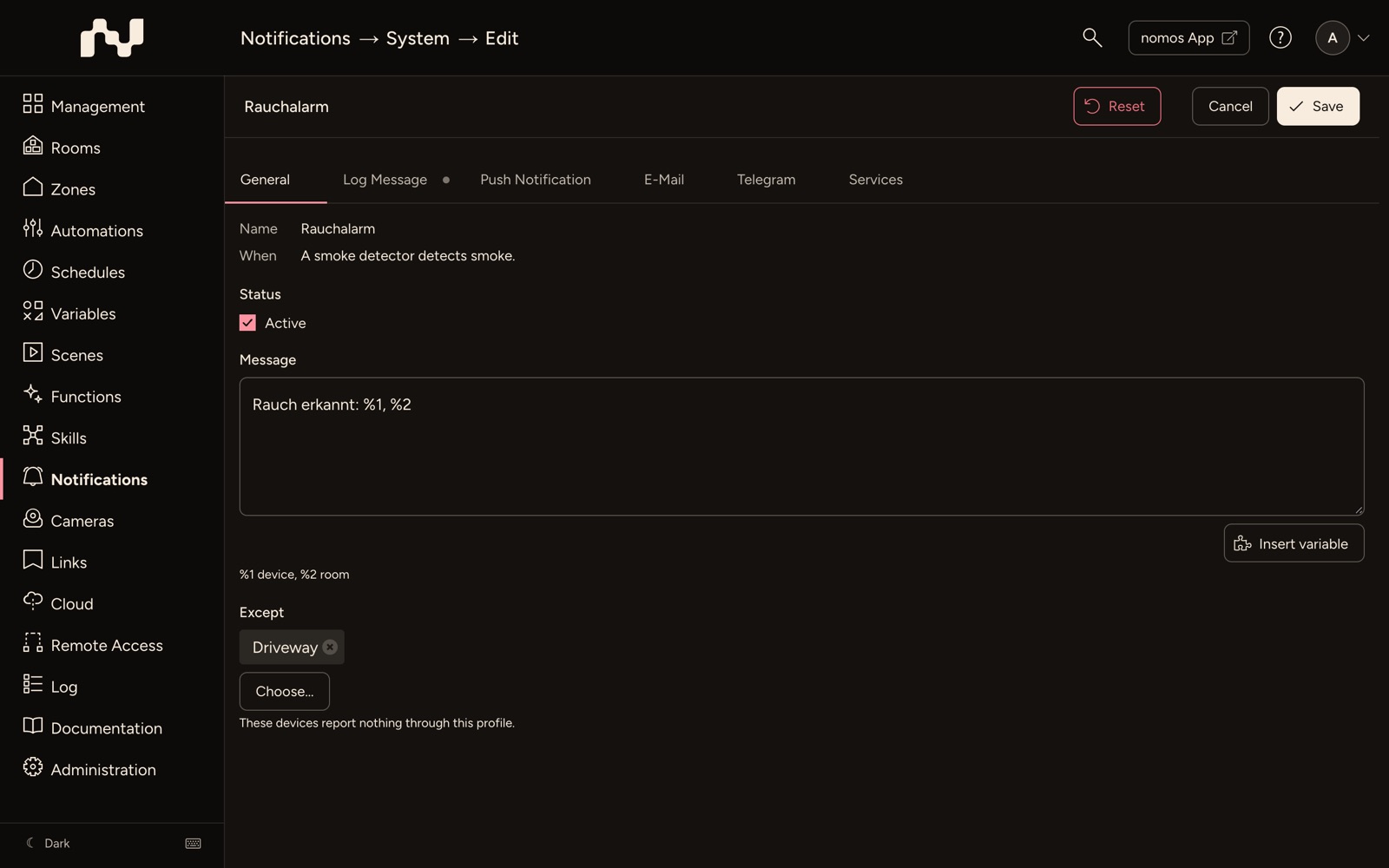
Click Edit in the list. The editor is the same as for your own profiles (see Create Notification - Step by Step), with these differences:
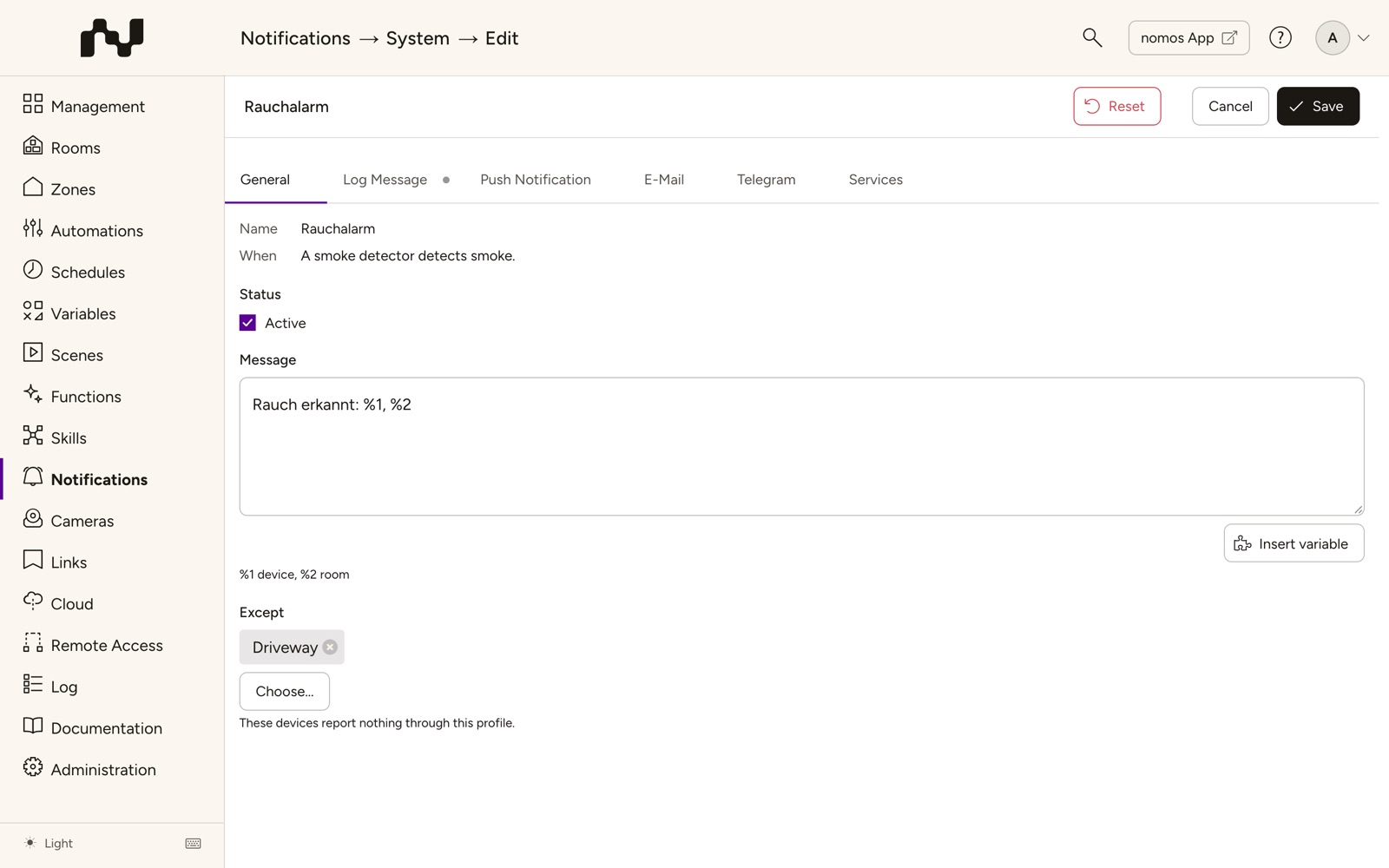
- The Name is fixed. Below it, When says when the profile reports.
- Below Message it says what the controller fills into the text (see below).
- Except: devices that report nothing through this profile (see below).
- Instead of Delete, the bar at the top shows Reset.
Example: a smoke alarm should also reach every user's phone.
- Open Notifications → System and click Edit at Smoke alarm.
- On the Push Notification tab, set the tick at Send a push notification and choose Everyone under Recipients below it.
- On General, enter a Title, for example "Smoke alarm".
- Click Save at the top.
Placeholders in the text
In the texts of the system profiles the controller fills in placeholders when it reports:
| Profile | Placeholders |
|---|---|
| Smoke alarm, Water alarm, Malfunction | %1 device, %2 room |
| Low battery | %1 device, %2 room, %3 battery level |
| Unusual behaviour | %1 device, %2 room, %3 message |
| Skill errors and warnings | %1 device or skill, %2 room, %3 message |
| Controller connection | %1 controller, %2 serial number, %3 state, %4 since |
| Vacation mode | %1 vacation mode, %2 room, %3 message |
Besides these you can use variables as everywhere. A device's log message opens the device when tapped in the app.
Excepting devices
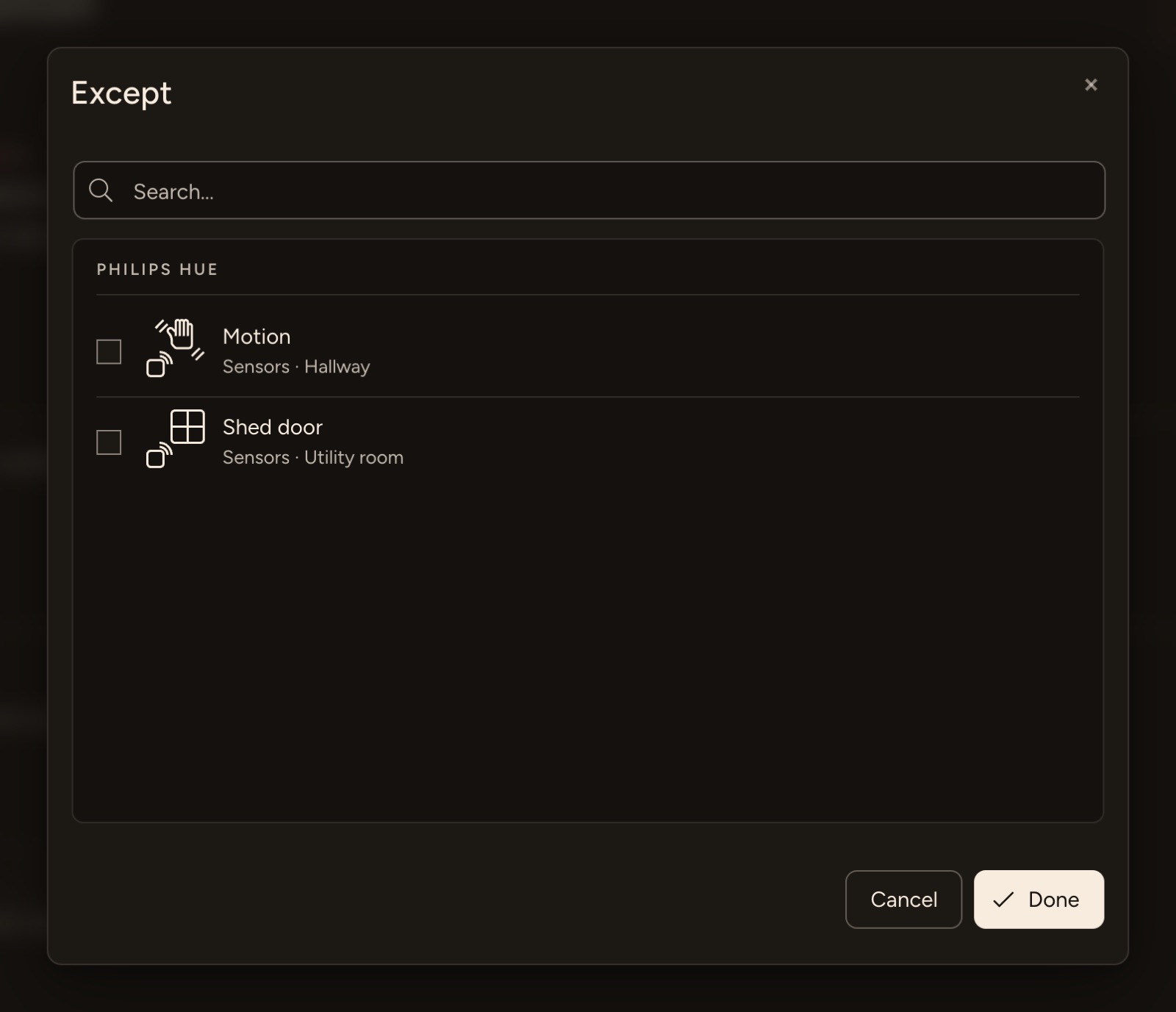
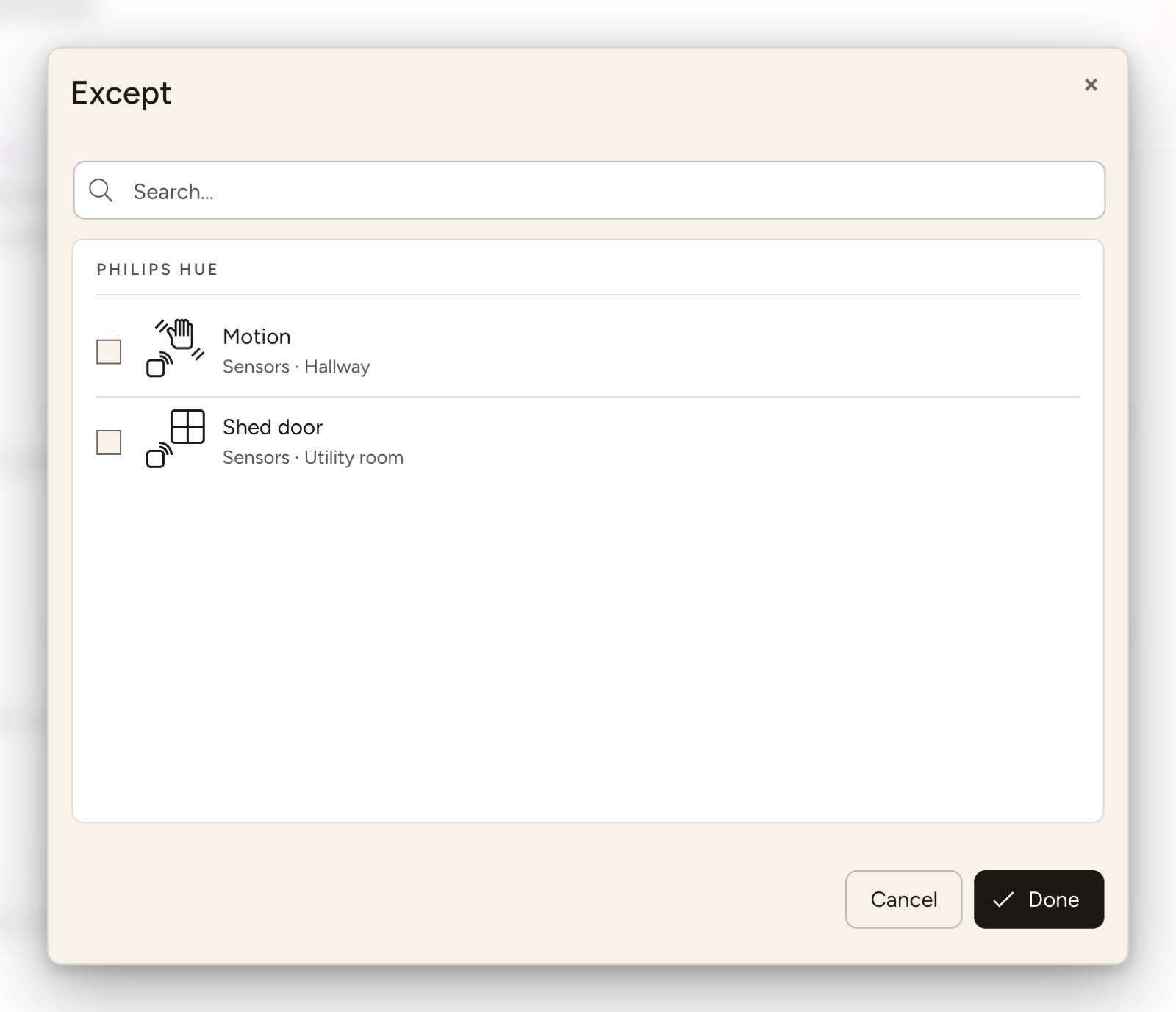
Profiles that come from devices have the field Except on General: "These devices report nothing through this profile." Choose… opens a device selection. It only offers devices the profile can come from:
| Profile | Offered |
|---|---|
| Smoke alarm | devices that report smoke |
| Water alarm | devices that report water |
| Malfunction | devices that report a malfunction |
| Low battery | devices with a battery, without rechargeable ones |
| Unusual behaviour | all devices |
| Skill errors and warnings | the skills' devices |
| Controller connection | the managed controllers |
Emergency mode and Vacation mode have no such field. A deleted device leaves all exceptions by itself.
Reset
Reset in the bar at the top asks first ("Reset …?"): texts, channels, recipients and exceptions return to how they were delivered, and the profile is active again. Your changes to this profile are lost.
Language
The system profiles are created in the controller's system language. If the system language is changed later (in the setup wizard), the profiles that were never saved take over the new language; whether they are active and which devices they except stays. Edited profiles stay as they are.
Taken over on update
Two settings that used to live elsewhere are moved into the system profiles once by the update:
- Usage recording: The options Report when something unusual is recorded and Notify these recipients as well become the profile Unusual behaviour. If reporting was off, the profile is off; push recipients and e-mail addresses become its recipients. Under Advanced → Usage Recording, Open the profile now leads to this profile.
- Vacation mode: If the vacation mode's log message was switched off, the profile Vacation mode is off. On the vacation mode page, Open the profile leads to this profile.
The old settings are dropped. Reset afterwards brings the state as delivered, not the settings taken over.