

Monitoring
A monitoring reports when devices stay unreachable, and when they are back. You find it under Notifications in the Monitoring tab. Monitorings are stored on the controller and run there; they are the same ones you set up in the nomos System Manager.
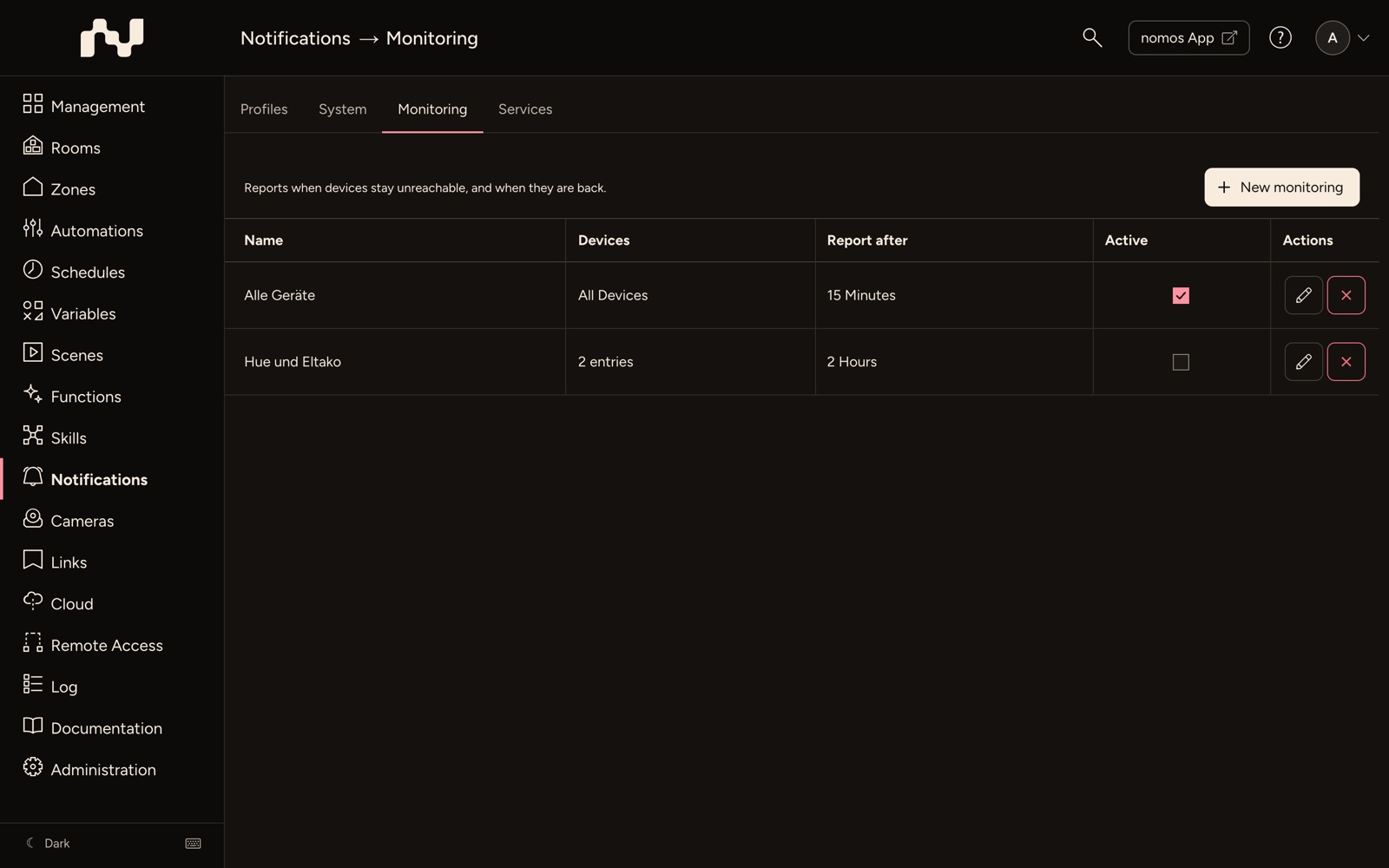
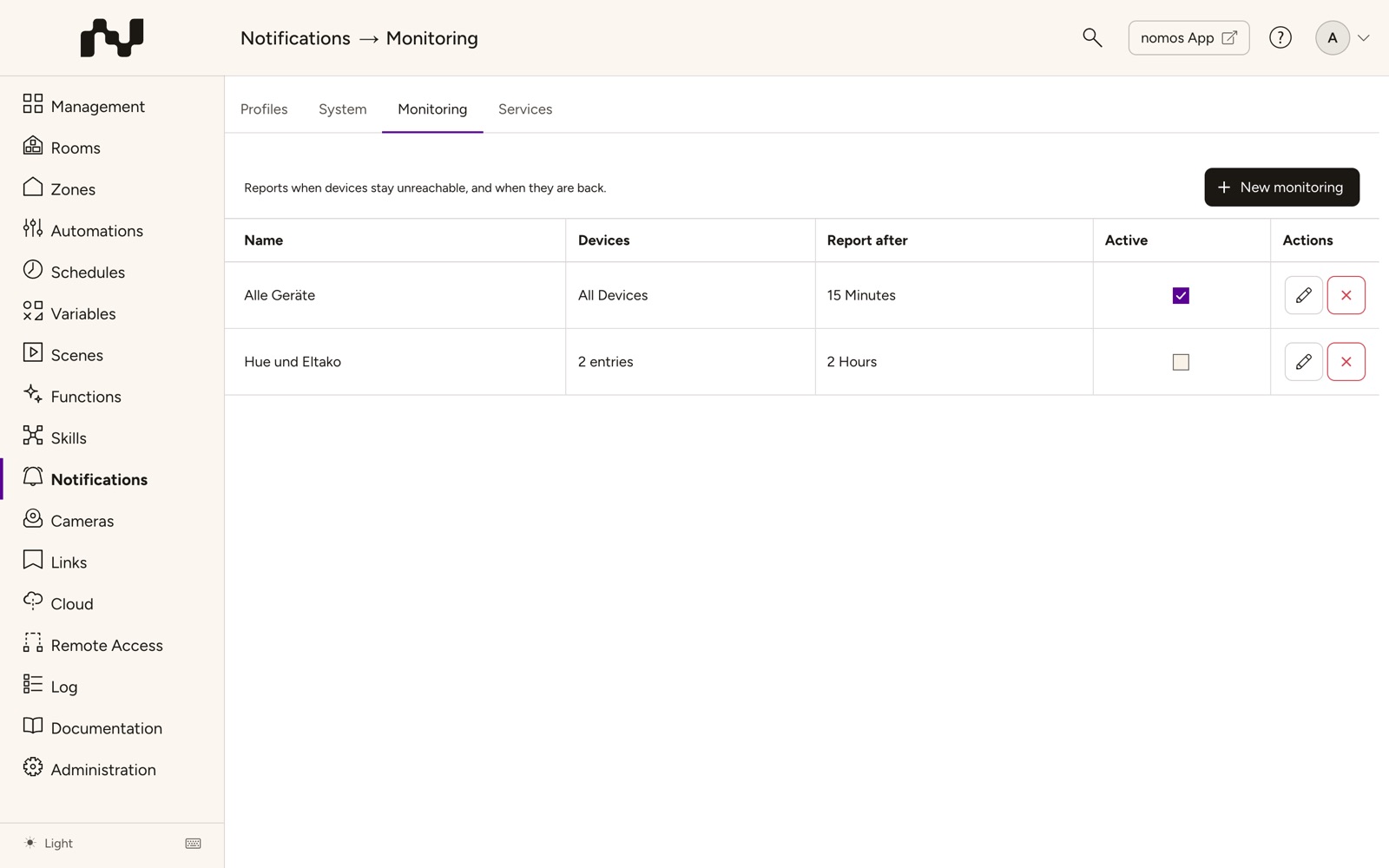
The list
- New monitoring: Creates a monitoring.
- Name: The monitoring's name.
- Devices: Which devices it watches.
- Report after: How long a device has to be unreachable before it reports.
- Active: Switches the monitoring on or off at once.
- Actions: Edit and Delete. Once deleted, the monitoring stops at once and reports nothing any more.
Setting up a monitoring
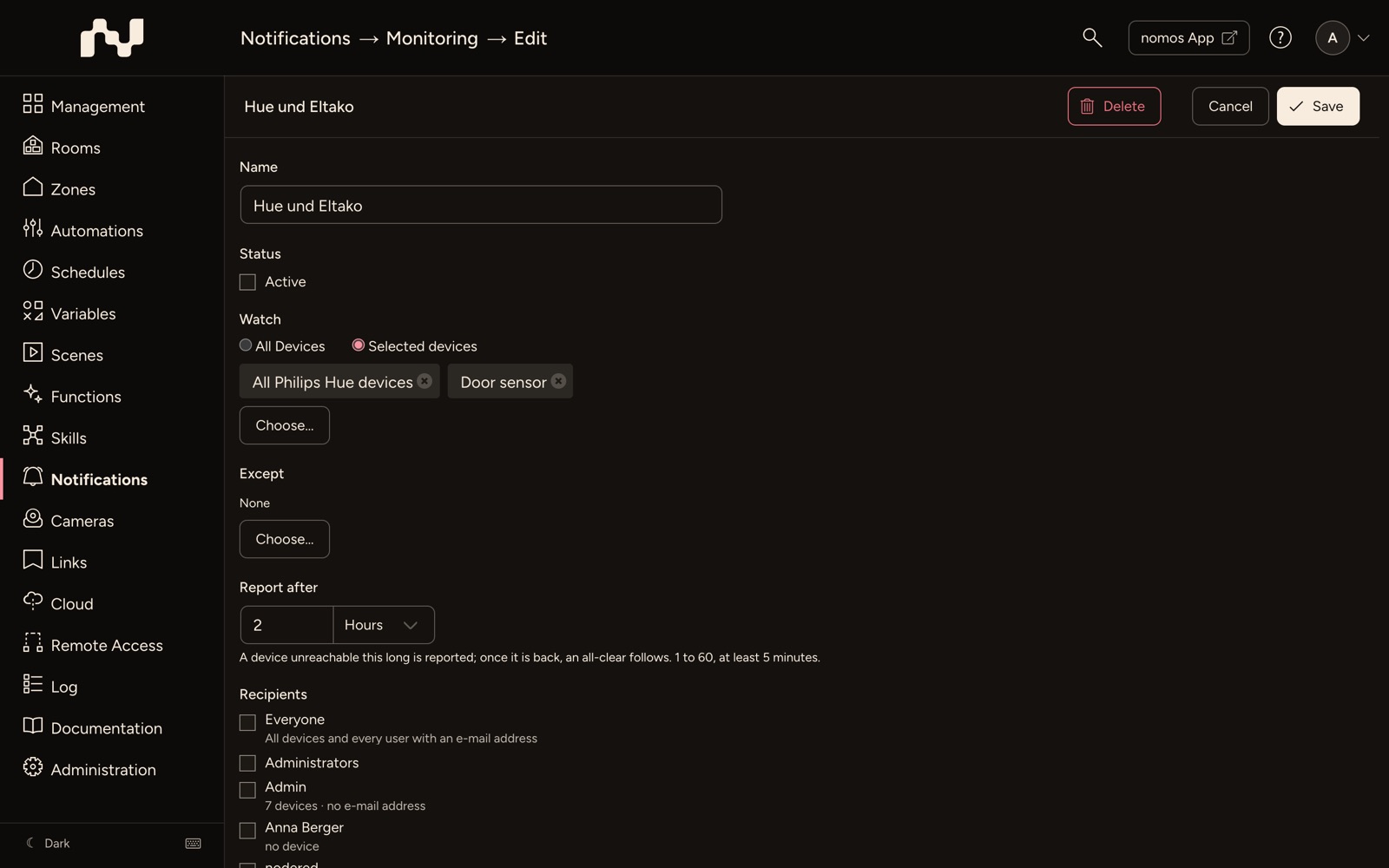
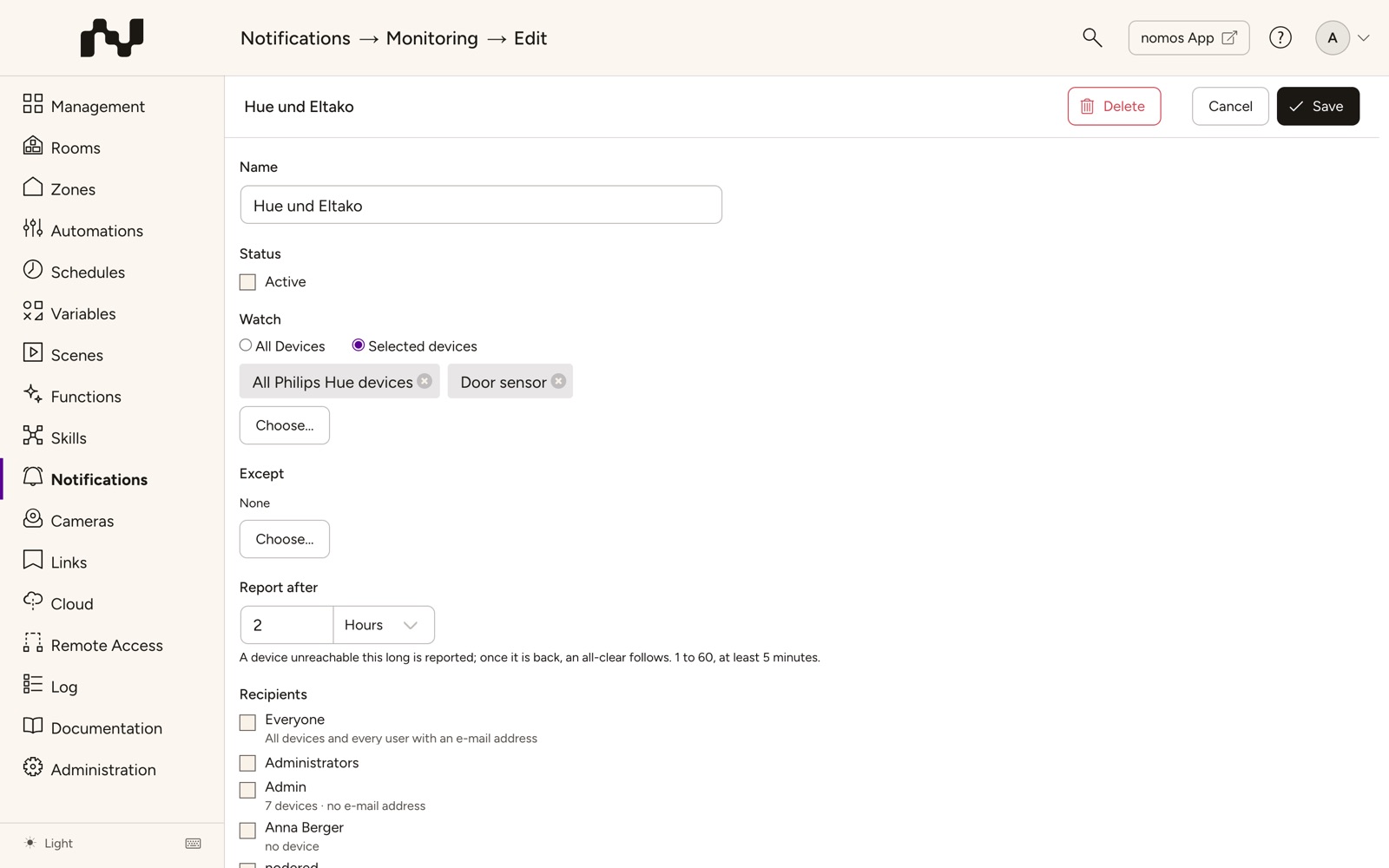
The actions are in the bar at the top: the name on the left, Cancel and Save on the right, for an existing monitoring also Delete.
- Click New monitoring.
- Name: "Monitoring" with a running number is suggested. Change it as needed.
- Status: Leave Active set.
- Watch: Choose All Devices or Selected devices. With Selected devices, Choose… opens the device selection. There you choose single devices or all devices of a platform, for example All KNX devices; devices added later then belong to it too.
- Except: With Choose… you except devices or platforms that should not be reported.
- Report after: How long a device has to be unreachable: 1 to 60 Minutes (at least 5) or Hours.
- Recipients: Unlike in a profile, push and e-mail share one list here. Everyone (all devices and every user with an e-mail address), Administrators and single users get the report by push notification and by e-mail. Further addresses and Further devices follow; there, All app devices reaches every device by push, without e-mail. At least one recipient is required. A user without the Push Notification permission gets the e-mail only; below them stands without the "Push Notification" permission.
- Click Save at the top.
What is reported
- If a watched device is unreachable for as long as set under Report after, the monitoring reports it. Once it is back, an all-clear follows, but only if a report was sent before.
- Every report appears as a log message with priority High in the Log. The recipients additionally get it by push notification and e-mail.
- If several devices drop out or come back shortly after one another, the monitoring combines them in one report.
- Deleted devices leave the monitoring's lists the next time it is saved.
INFO
If no monitoring is set up, the security check reports the finding CVE-24-0005.