Adding an AppleTV Device
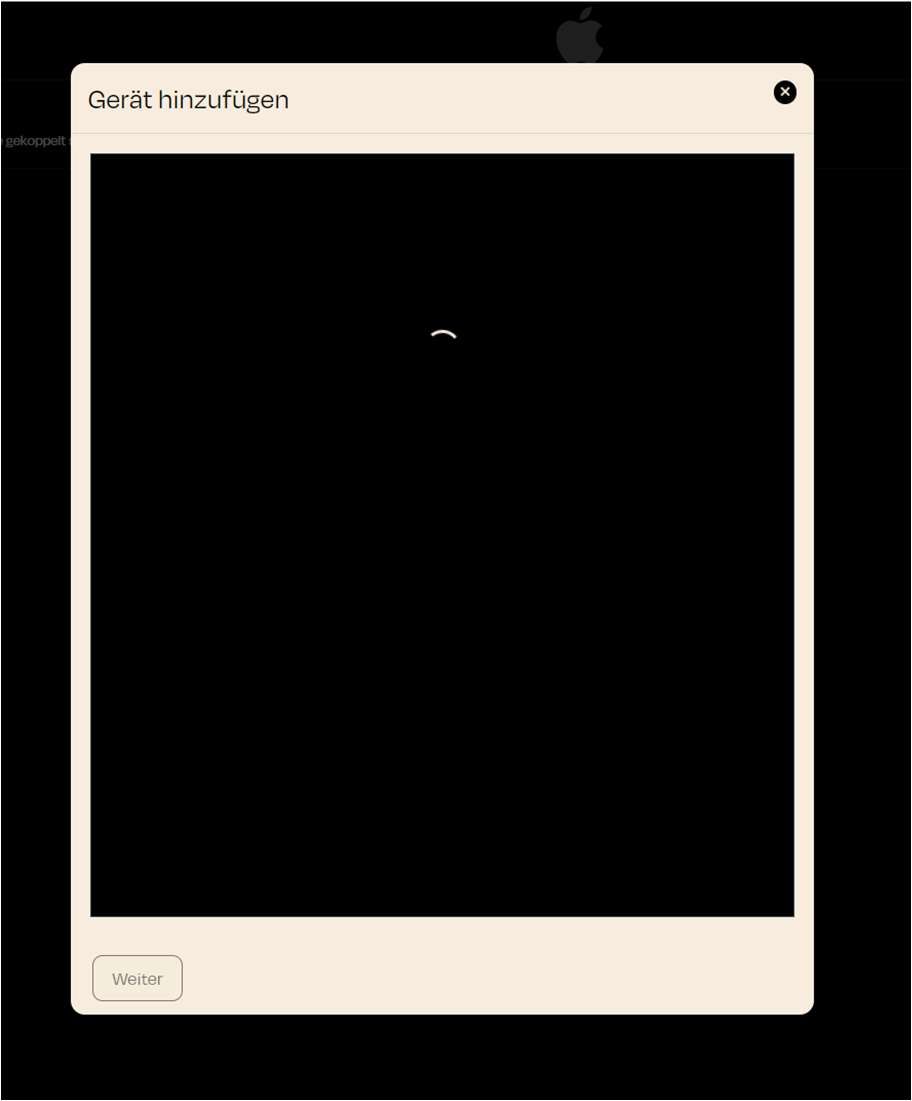
In this view, the nomos system Controller starts searching for connected Apple devices in the network. Once you have activated the AppleTV skill, you can add an Apple device for control from this view.
Explanation of the View:
- Loading Icon: As soon as you execute the command to add a device, the system looks for compatible Apple devices on your network.
- Next Button: Once a device is found, the "Next" button becomes active. You can then proceed to the next step to configure the device.
How to Use:
- Press the ON button to activate the Apple Remote function.
- Click on Add Device to start searching for devices.
- If the system finds the device, click Next to complete the setup.