

Support VPN
With the Support VPN your technical support — for example your integrator or the nomos system support team — gains remote access to this controller, for instance for troubleshooting, remote programming or ongoing maintenance. You stay in control at all times: access is only possible while you have the Support VPN enabled.
INFO
The Support VPN gives your support access on demand by sharing the displayed IP address. For permanent access via your own VPN clients, use the Direct VPN.
Enabling the Support VPN
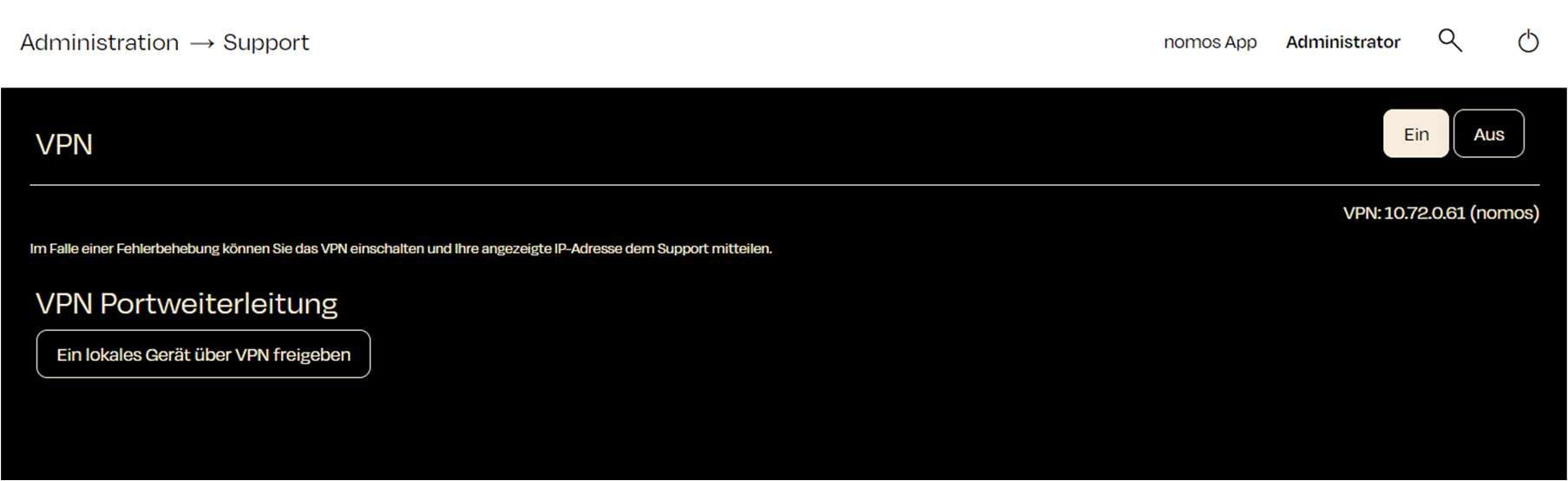
- Click "On" at the top right. The status first changes to "Connecting…".
- Once the connection is up, the banner shows "VPN active" together with the assigned IP Address.
- Share this IP Address with your support contact. Only then can the support team access the controller.
Exposing a Device for Support
Using "Expose local device to VPN" you make a specific device from your network (for example a KNX interface) reachable for support. This way support accesses exactly the devices needed — and no others.
TIP
You stay in control. You decide when the Support VPN is active and which devices are shared. Once the work is finished, simply turn it off again.
INFO
A USB serial adapter connected to the controller can be shared via USB Serial over VPN — for example for remote programming.