Links
Assign the camera to a specific room to make organization and management easier.
Links Dashboard
On the main screen of the link management, you will see a list of links that have already been created, organized by:
- Name: The name of the link.
- Last updated: Indicates when the link was last updated.
- Actions: Here you can edit or delete links.
- If no links have been created yet, the message "No items found" will be displayed.

Create a New Link
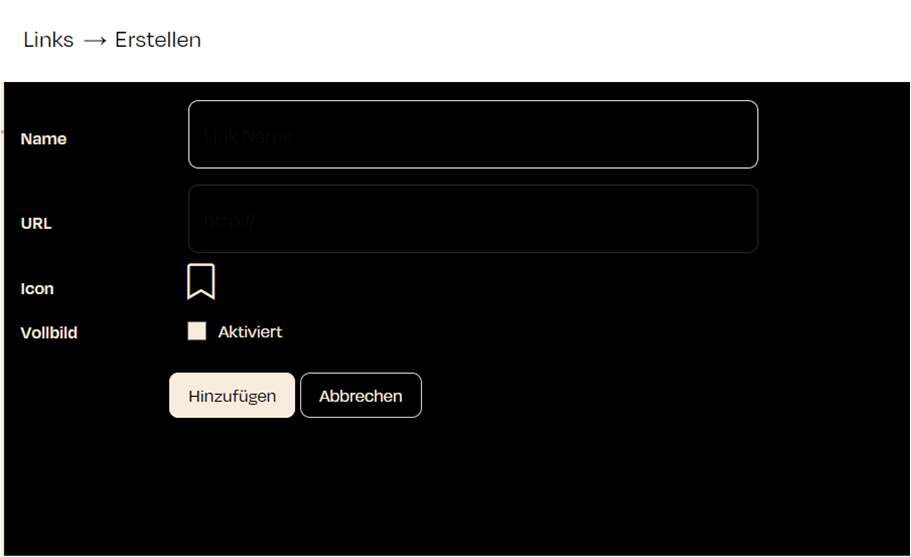
To create a new link, click the "Create" button in the top right corner. This will open the form for adding a new link.
When creating a link, you need to enter the following information:
- Link Name: Enter a unique name that describes the purpose or content of the link.
- URL: The full web address of the link.
- Icon: Optionally, you can choose an icon for the link that will appear on the interface.
- Fullscreen: If this option is enabled, the link will open in fullscreen mode.
- Enabled: Choose whether the link should be active immediately.