
Skills
The Skills feature lists various integrations that can be connected to the nomos system Controller to enable additional functions or compatibilities.
These Skills allow you to integrate a wide range of smart home devices and services, managing them centrally through the nomos user interface.
Building Automation
Wireless Protocols
Smart Devices
- AppleTV
- DLNA
- Google Cast
- HEOS
- Home Connect
- Husqvarna
- Miele
- Netatmo
- Nuki
- Philips Hue
- Shelly
- Sonos
- Spotify
- trivum
- Vehicles
Platforms & Assistants
Network & Extensions
Switching a skill on and off
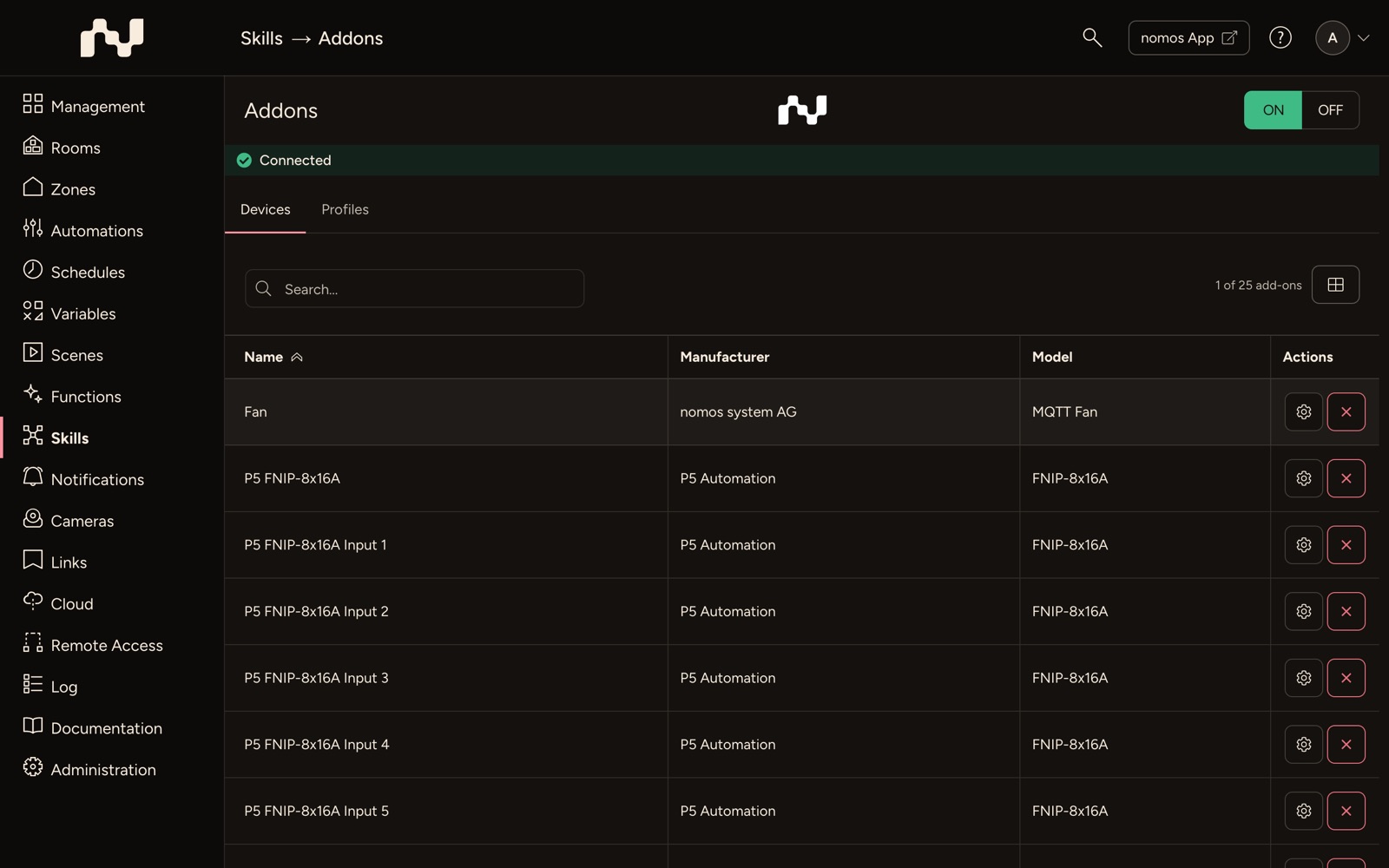
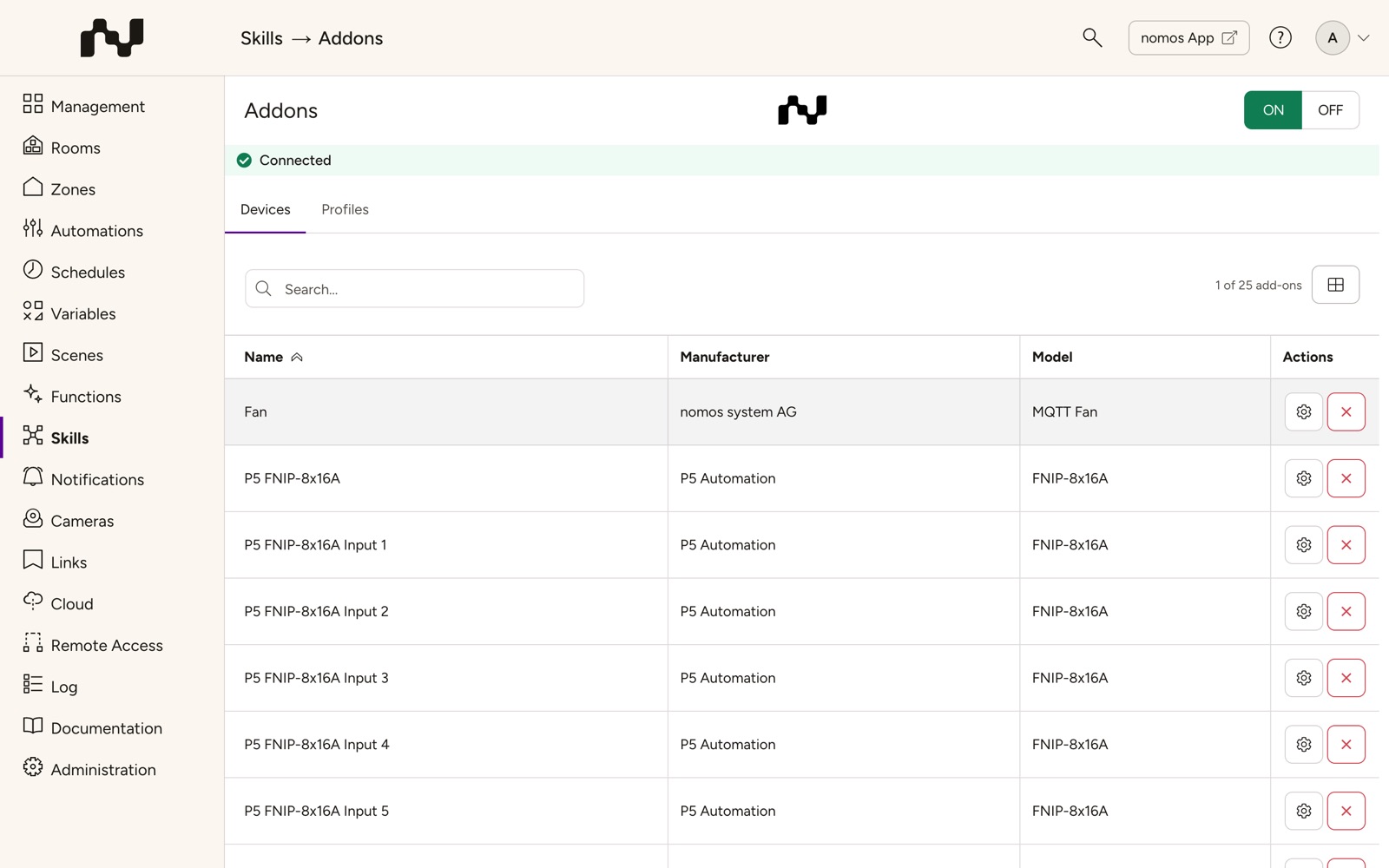
Every skill page has the ON/OFF switch at the top right of its header, next to the skill's logo. Use it to switch the skill on or off.


Searching for devices
When a skill's device list has four entries or more, a search field sits above it; ⌘F or Ctrl+F jumps straight into it (see Keyboard shortcuts). The list then shows only the devices the search term matches, by their name, their room or their ID. Upper and lower case and accents do not matter, and several words may come in any order.
For skills with gateways or with devices that have several channels (e.g. Eltako, Shelly, Somfy, Wiser), the field also searches the gateway: if the term matches its name, model, address or serial number, all devices under it stay. If it matches only some devices, the gateway stays with exactly those devices. If the search finds nothing, the list shows No matches.