Variables
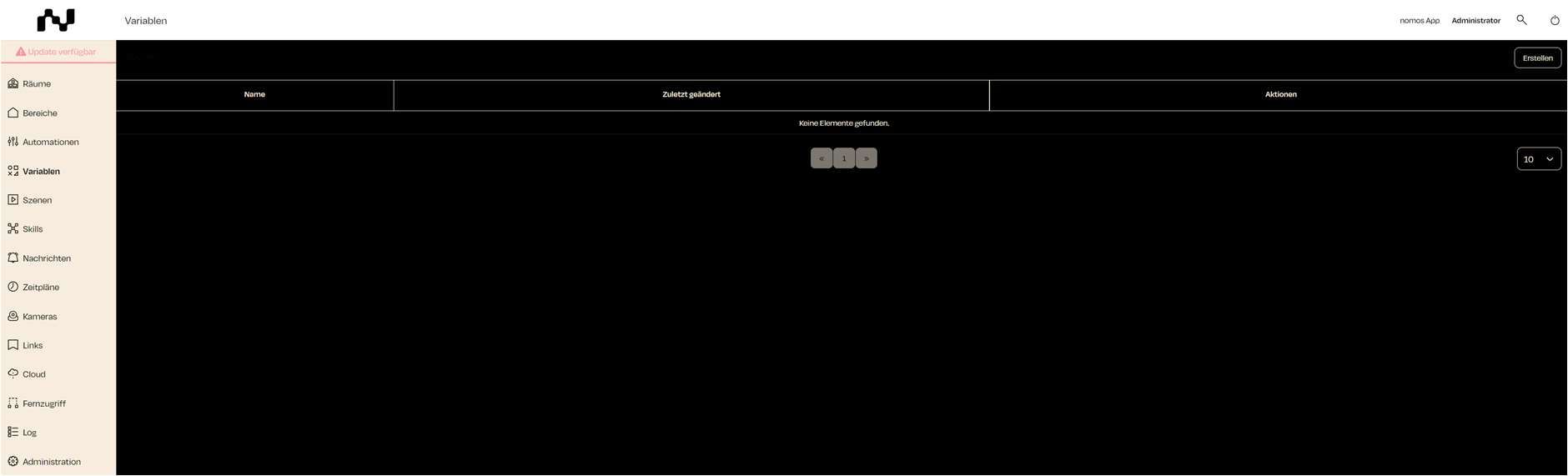
In this view, you can create, manage, and use variables for automation purposes. A variable is a custom unit that can be used in automations to store states or values.
Variable Overview:
- Name: Displays the name of the variable.
- Last updated: Shows the date when the variable was last edited.
- Actions:
- Edit (Pencil Icon): Allows you to edit the selected variable.
- Delete (Trash Can Icon): Deletes the variable.
Additionally, new variables can be added using the "Create" button at the top right.