8. Administrator Account
In the next step, you will set up the administrator account.
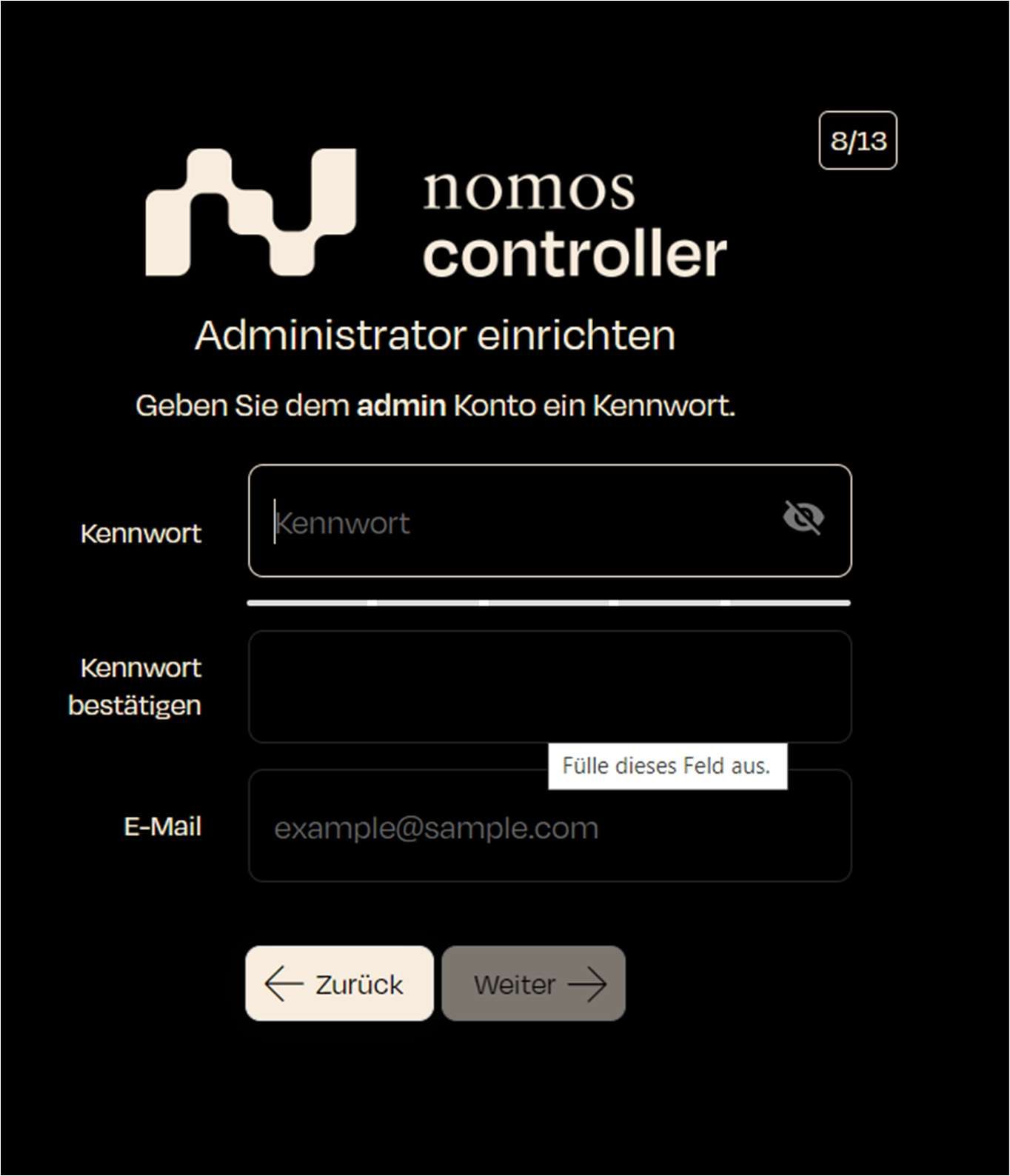
- Screen Display: The user must set a password for the admin account and provide an email address for the account.
- Password: Enter a secure password.
- Confirm Password: Repeat the password to confirm.
- Email: Enter a valid email address (optional).
- Step: Fill in all fields to configure the admin account. Ensure that the password is secure and the email address is entered correctly.
- Next Step: Click "Next" to continue.