

Add-ons
In this section, you can add extra features to the system in the form of add-ons. Add-ons allow you to expand the system's capabilities beyond the regular standard integrations. However, these should only be used by integrators or experienced users, as they often do not rely on official APIs.
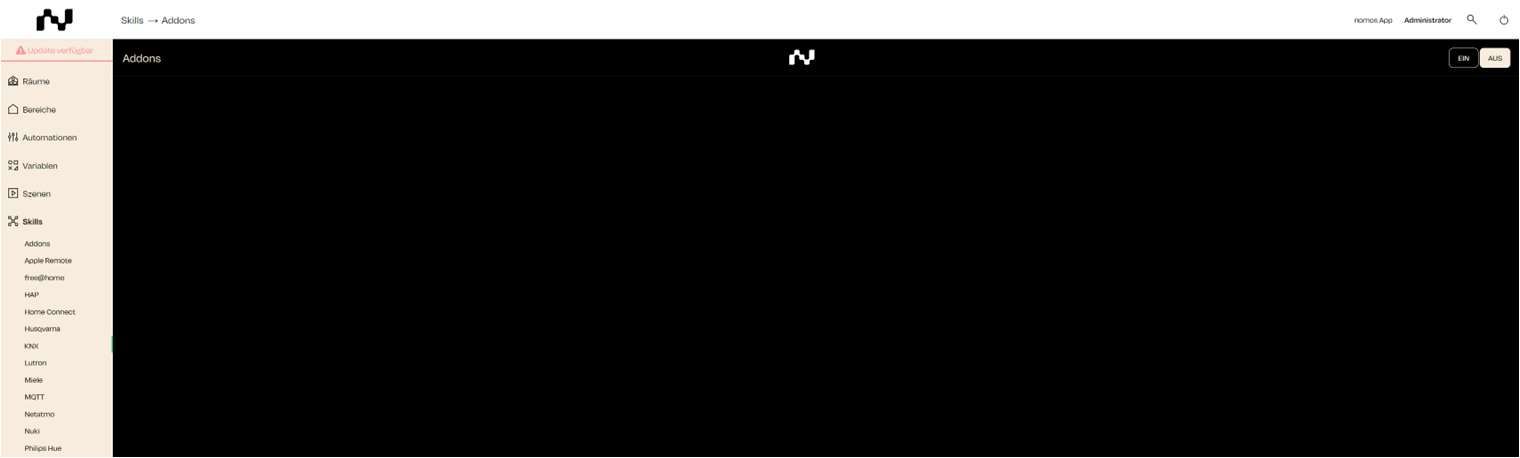

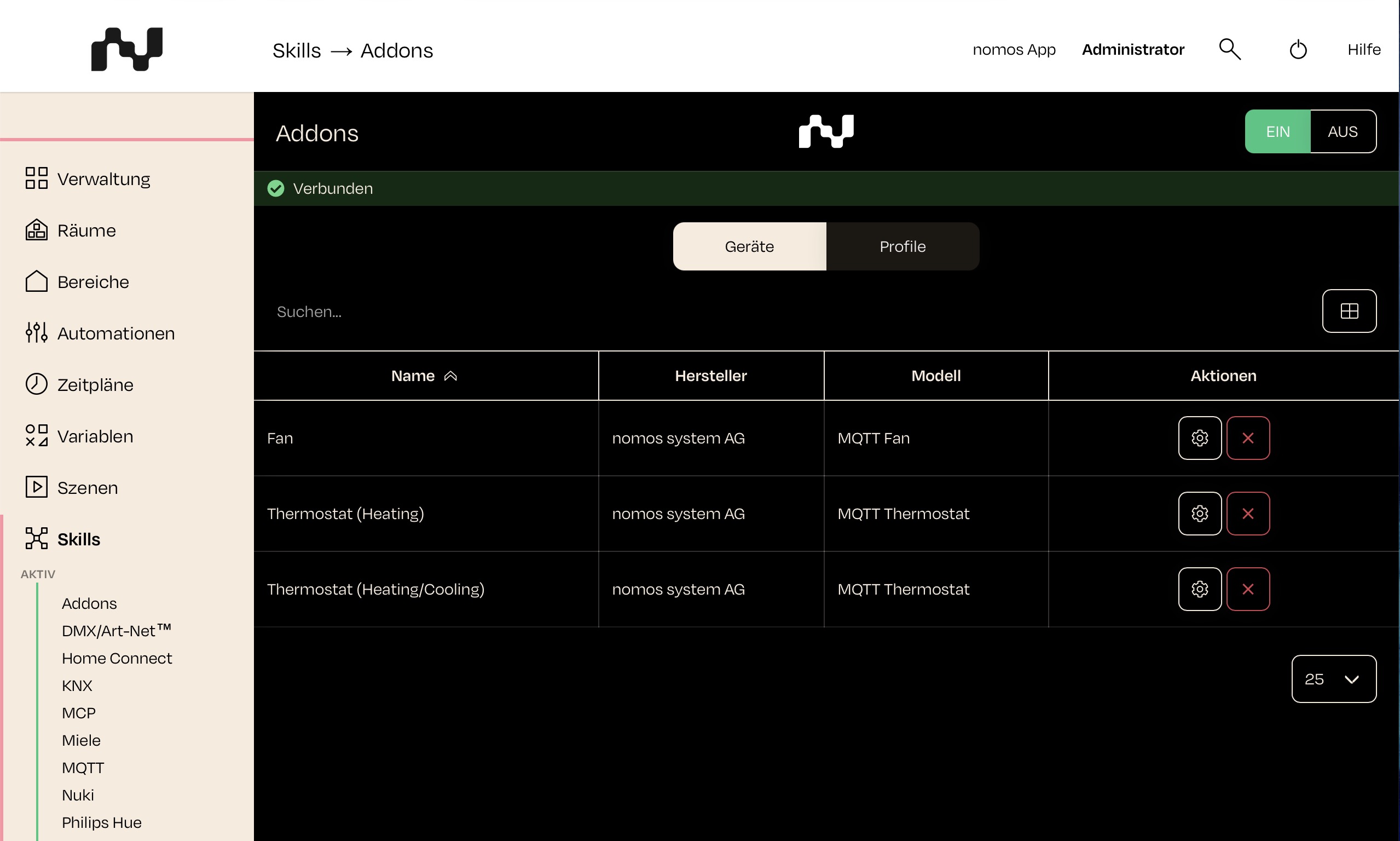
Overview of Add-ons:
- Devices: This area lists all devices that have been created or added through add-ons. Next to the search, the licence display (e.g. 3 of 10 add-ons) shows how many add-on devices have been created and how many your licence allows. From 90 % it appears in a warning colour, and in red once the limit is reached: then no further add-on devices can be created.
- Profiles: Here, you can view add-on profiles that have been added either from the library or through a manual upload.
- Online Library: You can use this button to download and add add-ons from a central online library.
- Manual Upload: Here, you can manually upload and install add-ons that you have received externally.
- On/Off Switch: At the top right corner of the screen, there are switches to turn the add-on system on or off. Be sure to activate add-ons only when you are certain they work properly and are suitable for installation.

Profile Editor
With the Profile Editor you create your own device profiles for add-ons or adapt existing profiles. It is available to all integrators. It does, however, require experience: you should know how nomos device profiles are built, that is connection, properties, commands and mappings.
The easiest start is an existing profile that is similar to your device, for example a profile from the same manufacturer or for the same protocol:
- Load the profile from the Online Library.
- Open it from the list of Profiles with the pencil icon in the Profile Editor.
- Adapt it and store it under a new name with Save As. This leaves the original unchanged.
You create a completely new profile with New Profile. For questions about profiles, write to support@nomos-system.com.