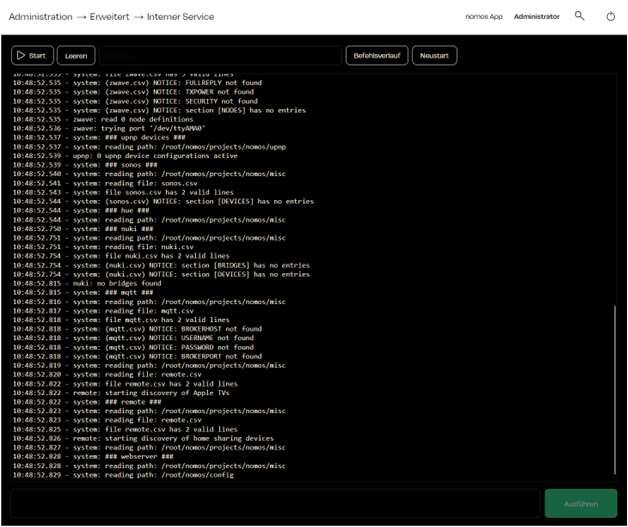
Internal Service
Functions:
- Start and Clear:
- Start the Internal Service or clear the current command output history.
- Command History:
- Displays a detailed log of the system commands executed, along with paths and actions taken.
- Overview of the system status, the files read, and various devices and connections that have been found or searched (e.g., Sonos, Nuki, MQTT, Remote).
- Restart:
- Allows you to restart the Internal Service to reinitialize the processes.
Usage:
- The Internal Service is a tool primarily used by integrators and advanced users to monitor the system status and logs.
- Command output: helps diagnose issues and track system events.
- Starting and executing commands: Below is an input field for executing specific commands, allowing direct interaction with the system.
WARNING
Note:
This area is intended for experienced users or integrators only, as improper changes in the Internal Service can lead to malfunctions.