1. Language Setting
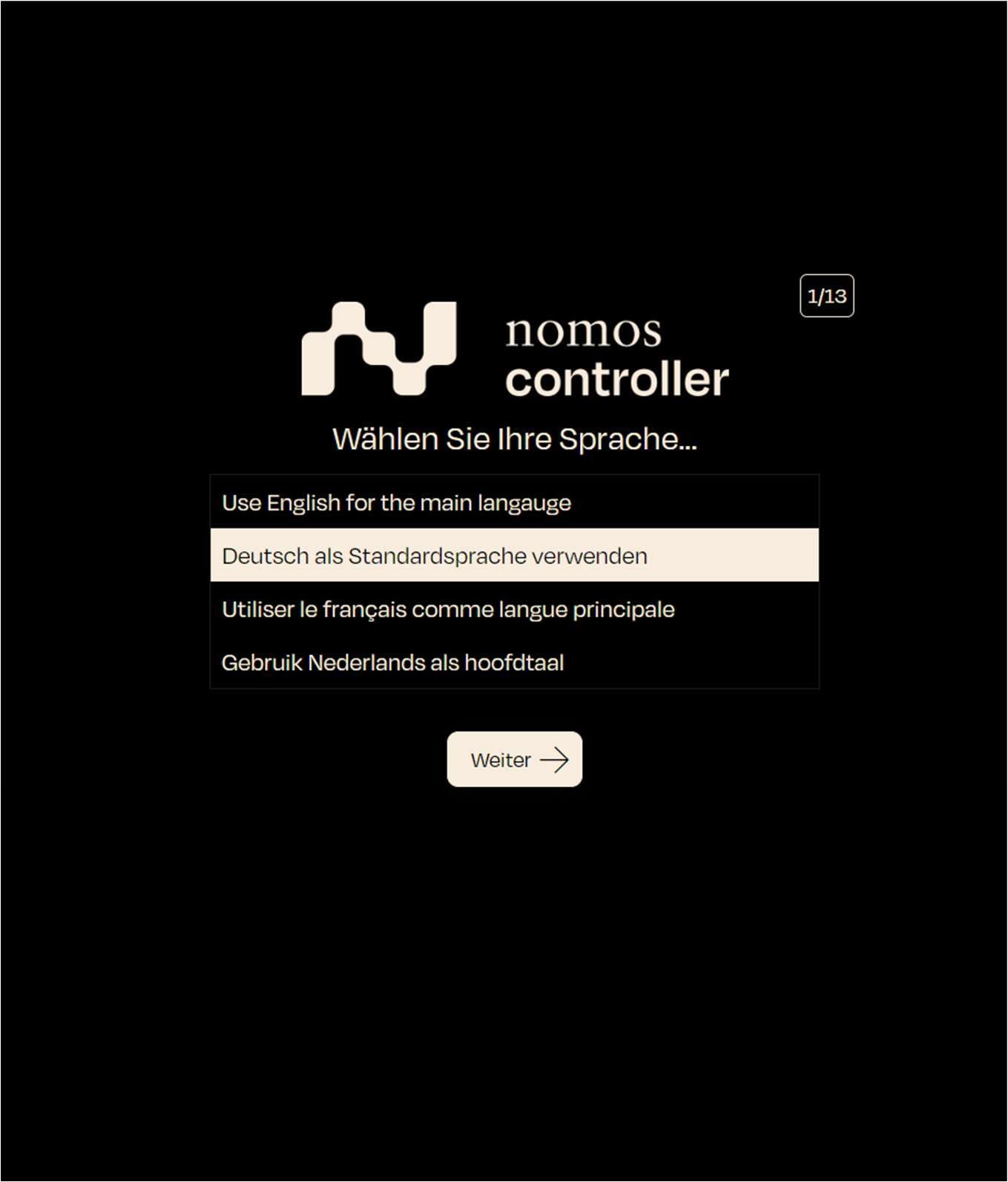
When starting the nomos system Controller, the user is prompted to select their preferred language.
- Screen display: Choose your language from a list of options:
- Use English for the main language (Englisch)
- Deutsch als Standardsprache verwenden (Deutsch)
- Utiliser le français comme langue principale (Französisch)
- Gebruik Nederlands als hoofdtaal (Niederländisch)
- Step: Select your preferred language by clicking on the appropriate option. In this example, we will choose “Deutsch als Standardsprache verwenden” (Use German as the default language).
- Next step: Click “Continue” to proceed.