

Add Device from the Online Library
After clicking on "Online Library", a window will open. Here, you can choose from a list of pre-made profiles to integrate devices into your system.
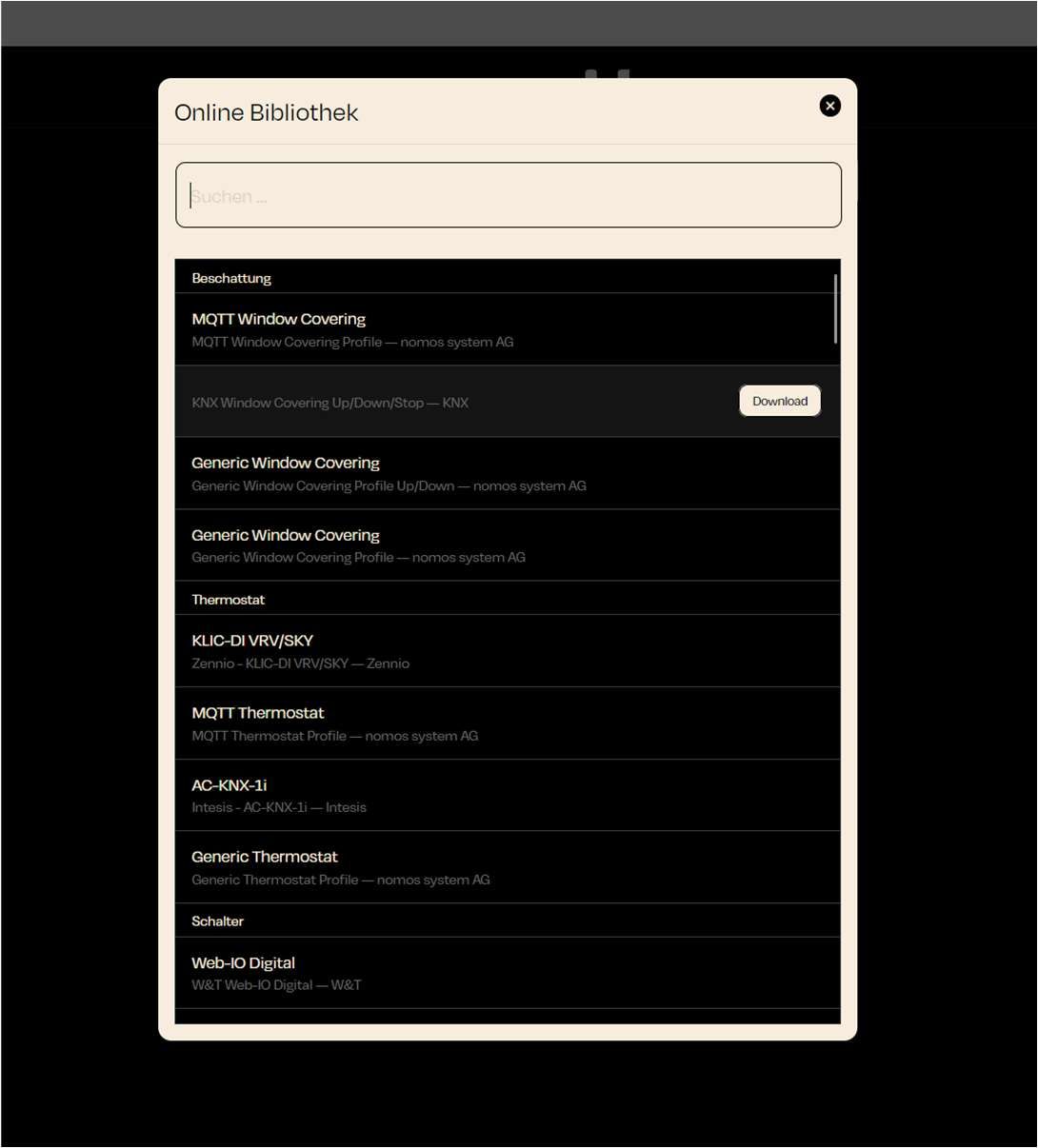
Search: At the top of the window, you'll find a search box. If you are looking for a specific device or profile, you can type it in here.
Categories: The devices and profiles are organized into categories such as shading, thermostat, and switch. This helps you quickly find the right profile.
Select Profile:
- For each device, the name and related platform will be displayed (e.g., KNX or MQTT).
- Select the appropriate device from the list.
Download: Next to each device, there is a download button. Click this button to download the profile and add the device.