

Adaptive lighting
Adaptive lighting lets the colour temperature and, if you wish, the brightness of your lights follow daylight over the course of the day: warm in the morning, cool and bright during the day, warm and dimmed in the evening, very warm and dark at night. The course is set by a curve whose points are tied to sunrise and sunset, so it moves with the seasons.
You create as many instances as you like, for instance for the living area, the kitchen and the bedroom. Every instance combines a selection of lights with a curve of its own. Adaptive lighting never switches a light on or off — it only adjusts what is switched on.
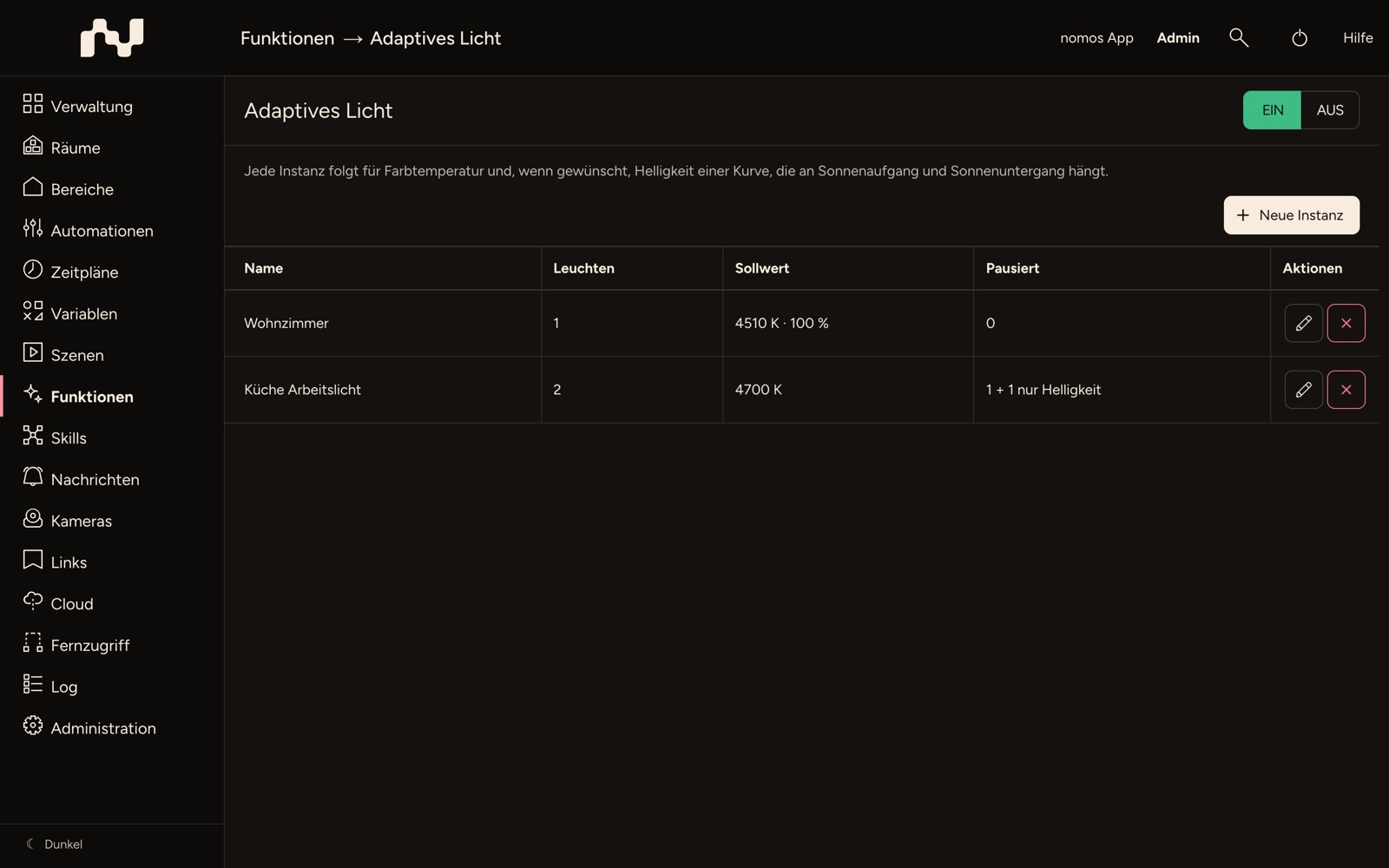
Overview
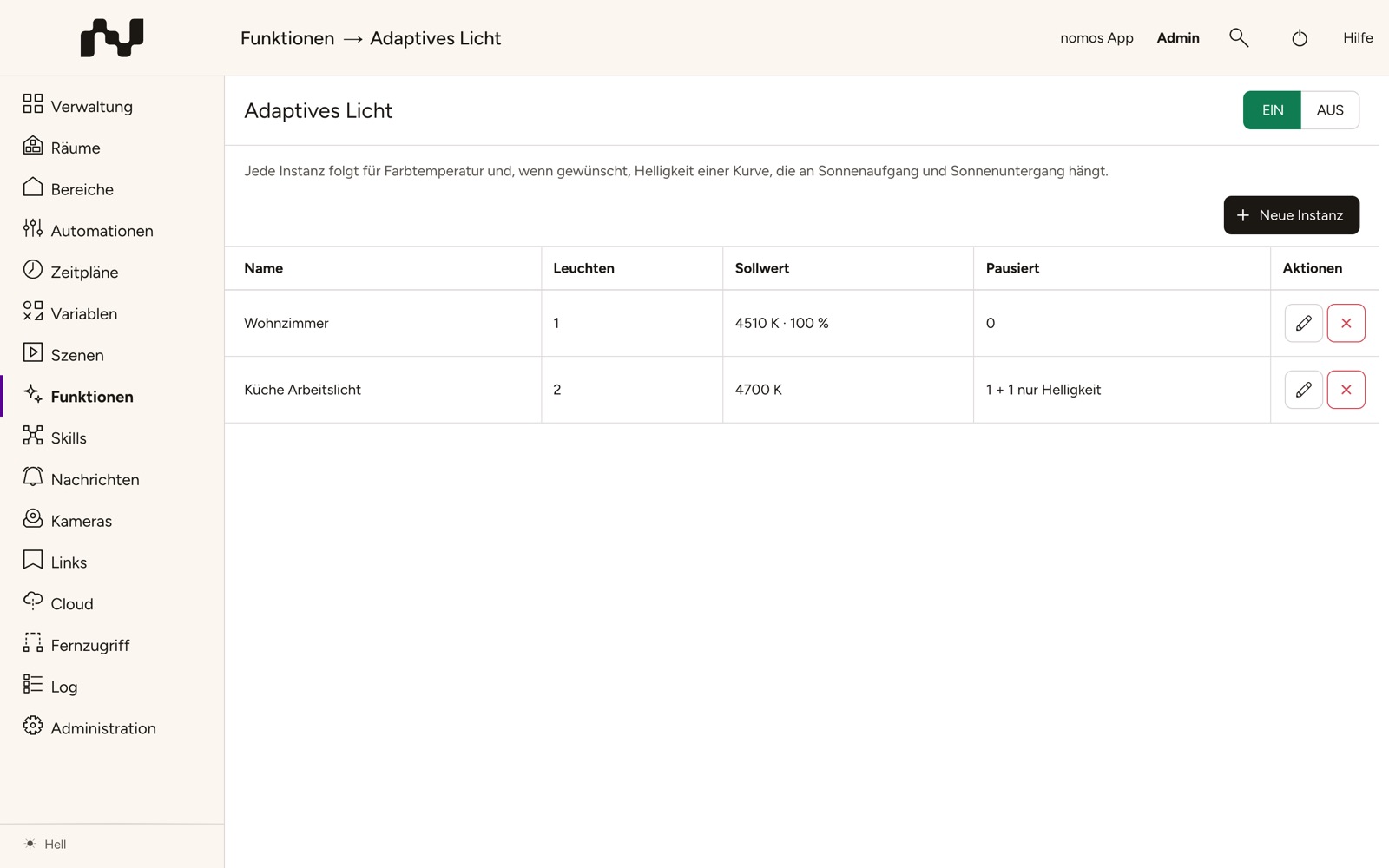
The table shows every instance with its Name, the number of its Lights, the current Target — such as "4130 K", or "4130 K · 100 %" for instances with brightness — and the number of lights that are currently Paused (see Manual changes). If lights only hold their brightness, it reads "1 + 2 brightness only", for example.
New instance creates an instance; Edit and Delete in each row change or remove it.
Creating an instance
The editor asks for the following in turn:
- Name — required. It also appears in the name of the system variable (see Automatic active).
- Lights — with Add light you choose lights of the Lighting category that have a colour temperature, a brightness or both, whatever technology connects them. The selection is grouped by room. A light can belong to one instance only; lights from another instance are greyed out and followed by that instance's name in brackets.
- Curve — see below.
- Set brightness from the curve — off initially. Then only the colour temperature follows the curve; the brightness is up to you. Lights that only have a brightness are left alone in that case.
- Pause after manual override — see Manual changes.
Save in the bar at the top stores the instance and takes you back to the overview. Lights that are switched on receive the values of the curve at once. The same applies when you change an existing instance.
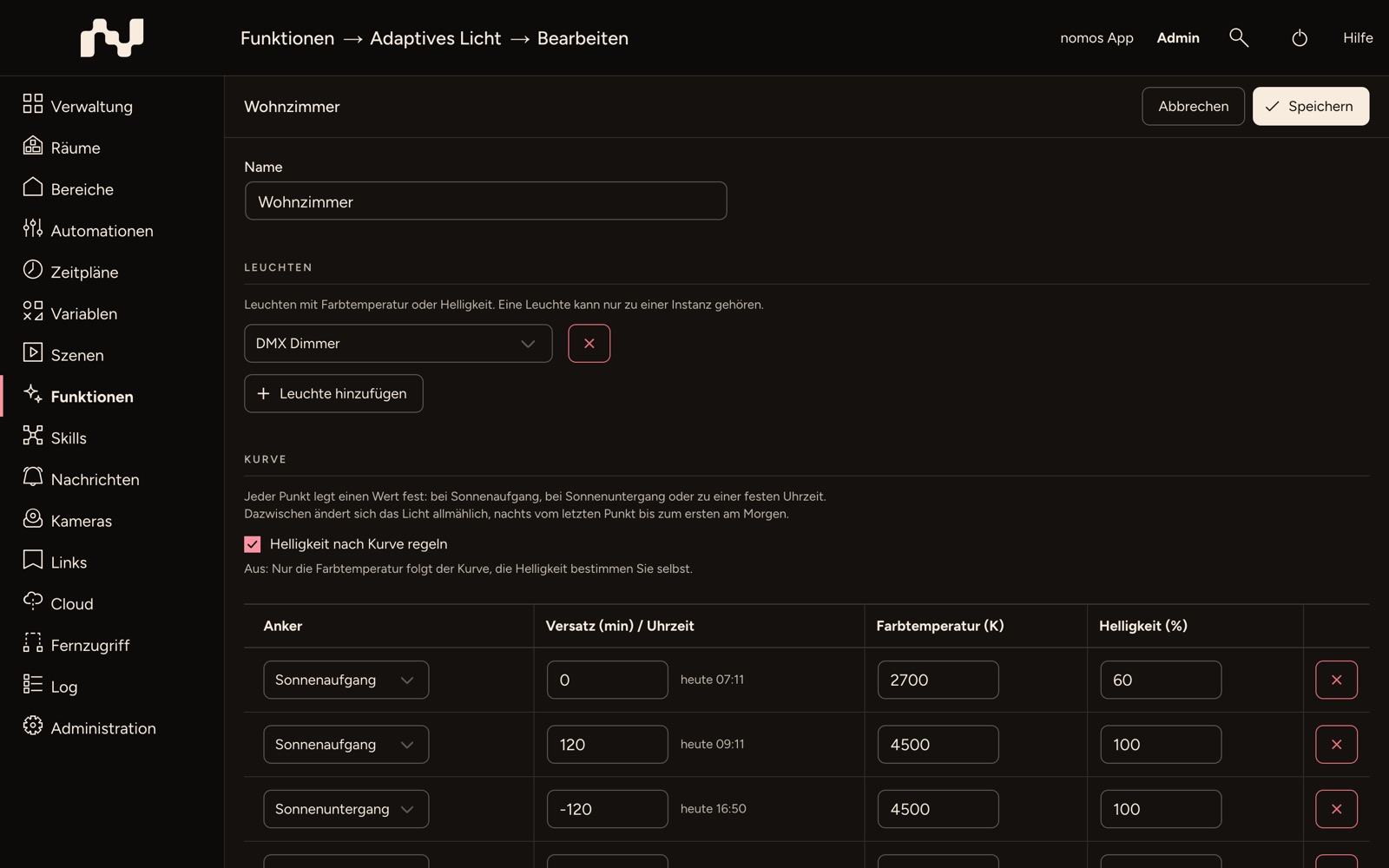
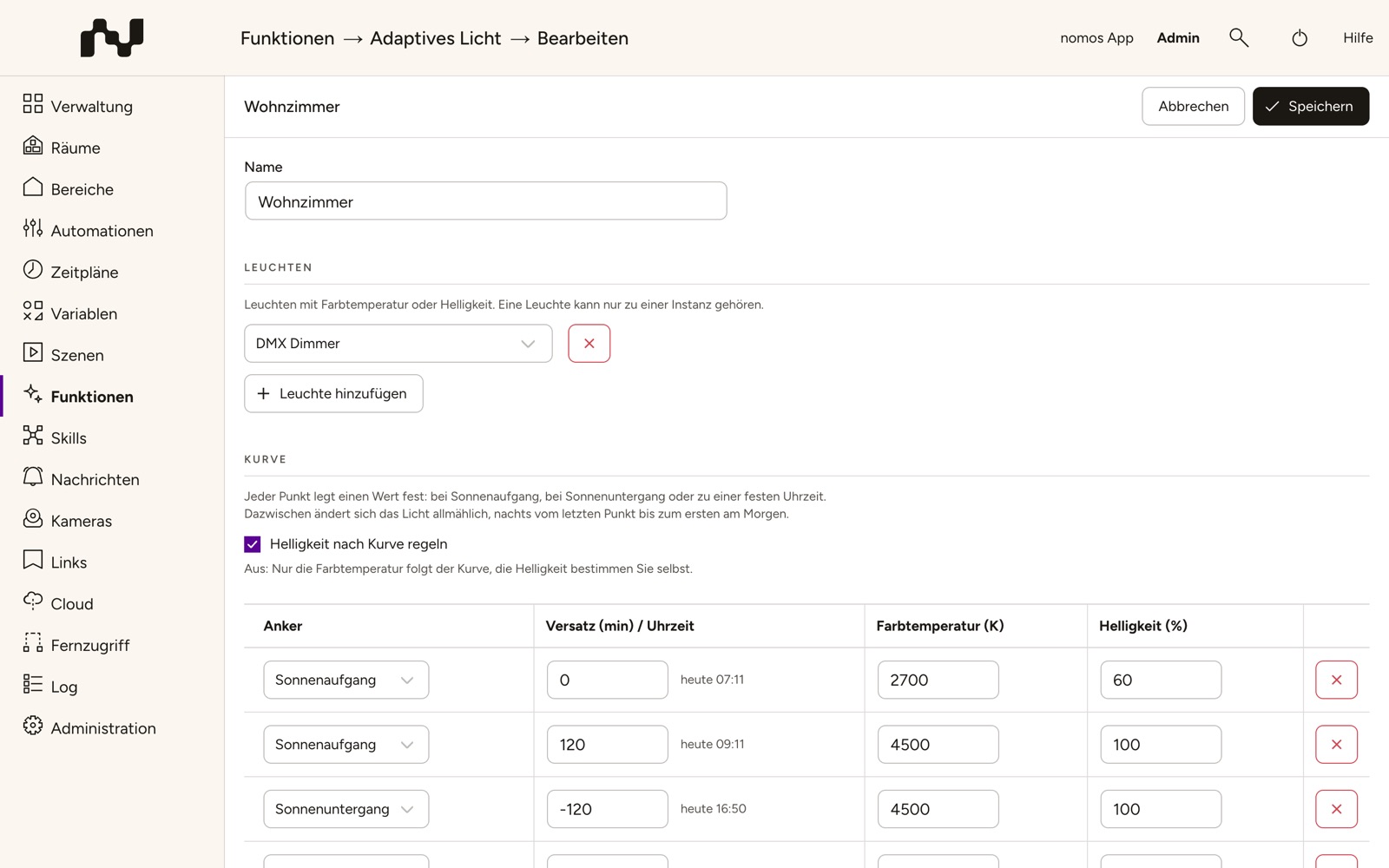
The curve
Every row of the table is a point of the curve:
- Anchor — Sunrise, Sunset or Time.
- Offset (min) / time — for the sun anchors the offset in minutes (between −720 and 720; negative means before), for Time the fixed time of day. Next to the offset you see when the point falls today, such as "today 17:05".
- Colour temperature (K) — between 1000 and 10000 K.
- Brightness (%) — between 1 and 100 %. Without Set brightness from the curve the column is greyed out, but it is saved all the same.
A curve has at least 2 and at most 12 points. Add point adds a row, the cross at the end of a row removes it. Restore default brings back the preset of a new instance:
| Anchor | Offset / time | Colour temperature | Brightness |
|---|---|---|---|
| Sunrise | 0 | 2700 K | 60 % |
| Sunrise | 120 | 4500 K | 100 % |
| Sunset | −120 | 4500 K | 100 % |
| Sunset | 0 | 3000 K | 80 % |
| Time | 22:00 | 2200 K | 40 % |
Between two points the light changes gradually, overnight from the last point to the first one in the morning. There is no separate night mode: the night is a point of the curve. If the light should stay the same all night, add a second point with the same values shortly before morning, such as Time 05:00 with 2200 K and 40 %. The points apply in the order of their time of day, not in the order of the table; if a sun anchor moves past a fixed time over the year, the curve rearranges itself.
Sunrise and sunset follow from the location of the controller, which you set under Administration → Settings on the Location tab. If they are not known, the function assumes 07:00 and 19:00; the functions overview then shows "Adaptive lighting: sunrise/sunset unknown, using 07:00/19:00".
The Preview below the table draws today's course over 24 hours: the colour temperature and, with Set brightness from the curve, the brightness, together with today's sun times and the current time. Invalid values are marked in red; the instance can only be saved once they are corrected.
Every light gets the curve within its own range. If a light only goes down to 2700 K, it stays at 2700 K even when the curve asks for 2200 K in the evening.
In operation
- Switching on: When a light is switched on — by hand, from the app, by an automation or by motion lighting — it receives the current value of the curve at once. Many lights do not accept a colour temperature while they are off; a light may therefore briefly come on in its old colour before it changes.
- Following the curve: As long as a light is on, it follows the curve roughly once a minute in small steps that go unnoticed. The lights of an instance receive their commands one after another so as not to overload the bus; with large instances a round therefore takes a few seconds.
- Lights that are off receive nothing. The brightness never goes below 1 %, so adaptive lighting does not switch anything off through the brightness either.
- Colour: Adaptive lighting never writes a colour (such as red or blue).
Manual changes
If somebody changes the colour temperature, the colour or — with Set brightness from the curve — the brightness of a light that is switched on, the instance leaves that light alone. Where the change comes from does not matter: push button, app, scene, automation or another system. Stepwise dimming with a push button is recognised too, as soon as the brightness noticeably departs from the last value.
The pause covers colour temperature and brightness together and lasts until the light is switched off and on again — at most as long as set under Pause after manual override in Maximum duration (minutes) (240 initially, at most 1440). 0 means no time limit, i.e. only until off/on. After the off/on or once the time has run out, the light receives the value of the curve again at once. Pauses survive a restart of the controller.
No pause arises
- in the first seconds after switching on — many lights then report their last stored brightness and colour,
- from small deviations caused by rounding,
- from dimming while Set brightness from the curve is off: the colour temperature then keeps following the curve,
- while Automatic active is off.
Working with motion lighting
A light can be in an instance of motion lighting and of adaptive lighting at the same time. As long as both functions are switched on, they share the work:
- Adaptive lighting always sets the colour temperature. If motion lighting switches a light on at night, it comes on straight away in the warm night value of the curve.
- If Set switch-on brightness is switched on in the motion lighting instance, the brightness belongs to motion lighting. Adaptive lighting writes no brightness there.
- Without a switch-on brightness, adaptive lighting also sets the brightness from the curve (with Set brightness from the curve). A brightness change on such a light does not pause it but only holds the brightness — so the halved brightness of Warn before switching off, or dimming by hand, stays as it is while the colour temperature keeps following the curve. The status then shows Brightness held until off/on. The hold ends with the next off/on, or as soon as the brightness is back at the value adaptive lighting last wrote — for instance when motion lighting restores the previous brightness after renewed motion. A restart of the controller ends it as well.
Automatic active
When it is saved, every instance creates the system variable Automatic active, switched on, in the category "Adaptive lighting – ‹name of the instance›". If the instance is renamed, the category follows.
- Off: The instance writes nothing more and creates no new pauses. Existing pauses keep running out.
- On again: All lights of the instance that are switched on receive the value of the curve at once. If an automation sets the value to on again while it is already on, nothing changes.
In the editor of a saved instance you switch the variable directly in the Operation section — this is applied immediately, not only when the instance is saved. Automations can set it as well, for example "off on holiday" with vacation mode as the trigger. Under Variables you find it in the category named above; switch Editable on there and it appears in the nomos app under Settings > Adjustable values.
Below the switch, Operation shows the state of the instance: the target now and the next point, such as "Target now: 4130 K · next point 17:42: 3000 K", and for every light On or Off, where applicable with "Paused until 18:40", Paused until off/on or Brightness held until off/on.
Restrictions
- Adaptive lighting works from the curve alone, without a brightness sensor or weather data.
- All lights of an instance follow the same curve; for a light that should differ, create an instance of its own.
- Zigbee lights do not report their colour temperature back. Adaptive lighting does not notice a manual change of the colour temperature there and does not pause the light; as soon as the curve moves on, it sets its own value again. Brightness changes are recognised.
Deleting, switching off and resetting
- Deleting an instance: The Delete instance? dialog points out that the system variable is deleted as well. Automations using it will no longer find it.
- Switching the function off: The lights stay as they are; instances and system variables remain. Once switched on again, the function carries on with the same settings.
- Reset: Deletes all instances and their system variables (see Functions).