Create Scene
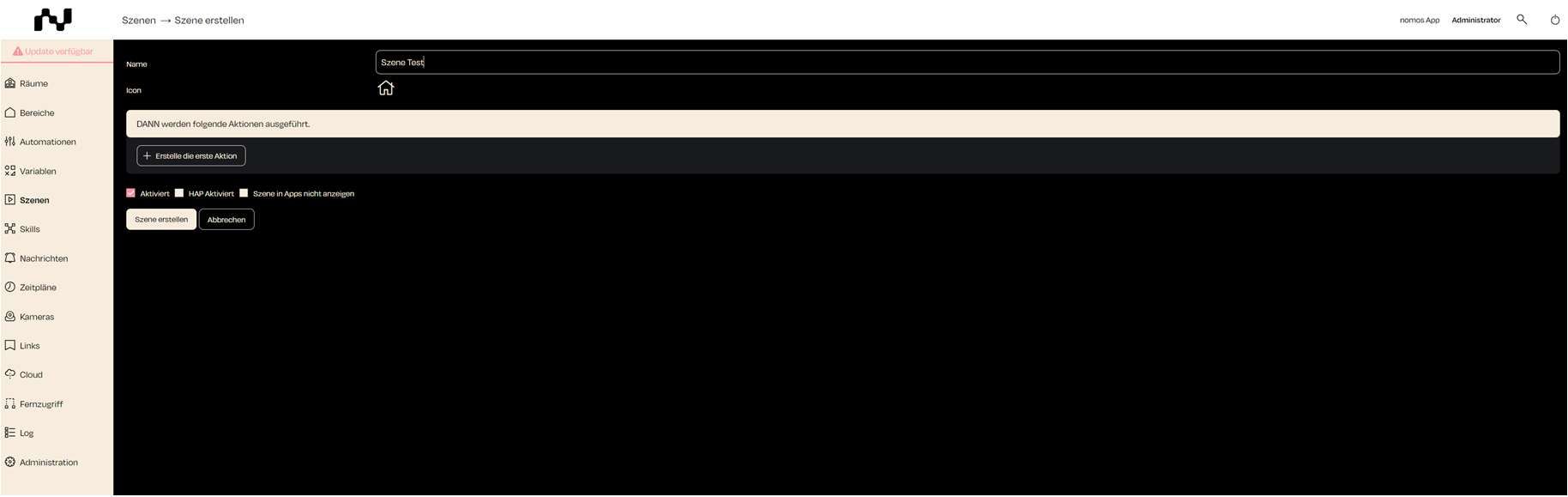
To create a new scene in the nomos system Controller, follow these steps:
- Name: Enter the desired name for the scene.
- Add your first Action: Add the desired devices, functions, or states to the scene
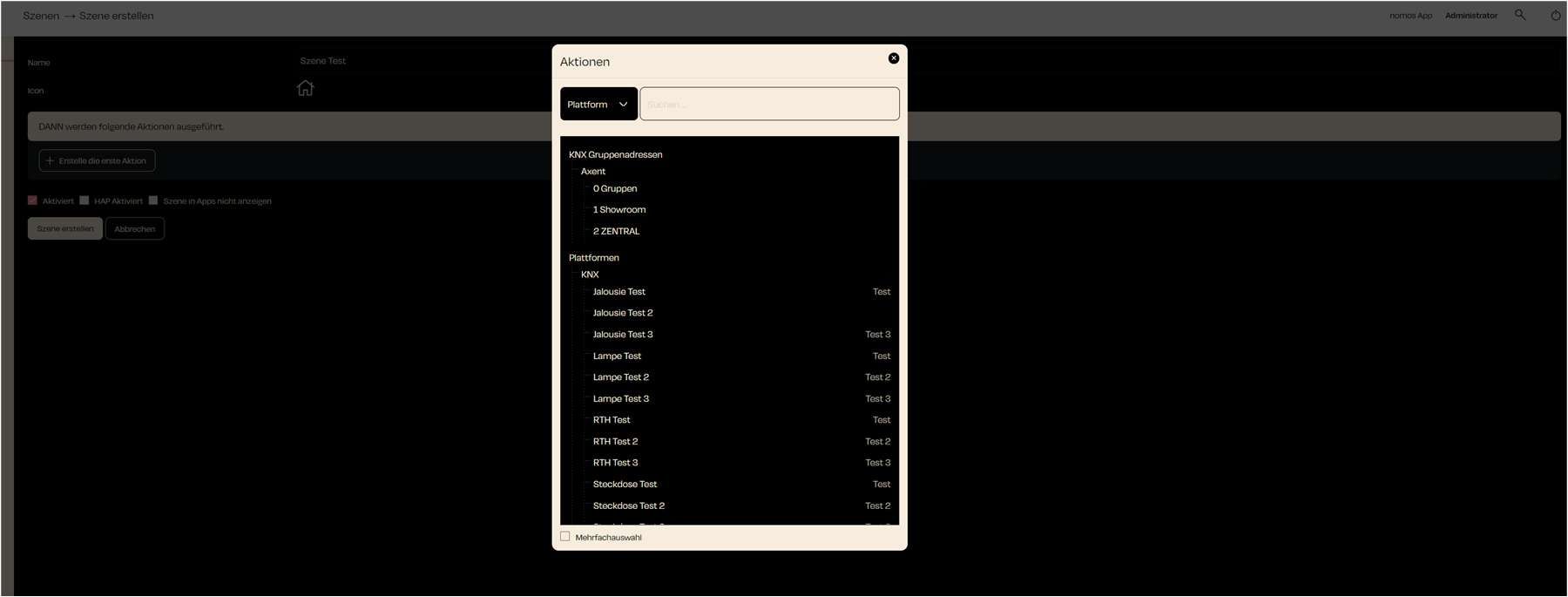
- Select Platform: Use the dropdown menu to select the platform on which the action should be executed.
- Available Devices: A list of available devices will be displayed, which can be used in the action. In this example, various blinds, lamps, thermostats, and sockets are listed.
- Multiple Selection: You have the option to select multiple actions by activating the "Multiple Selection" option.
After selecting the desired devices or actions, the scene can be finalized and saved.