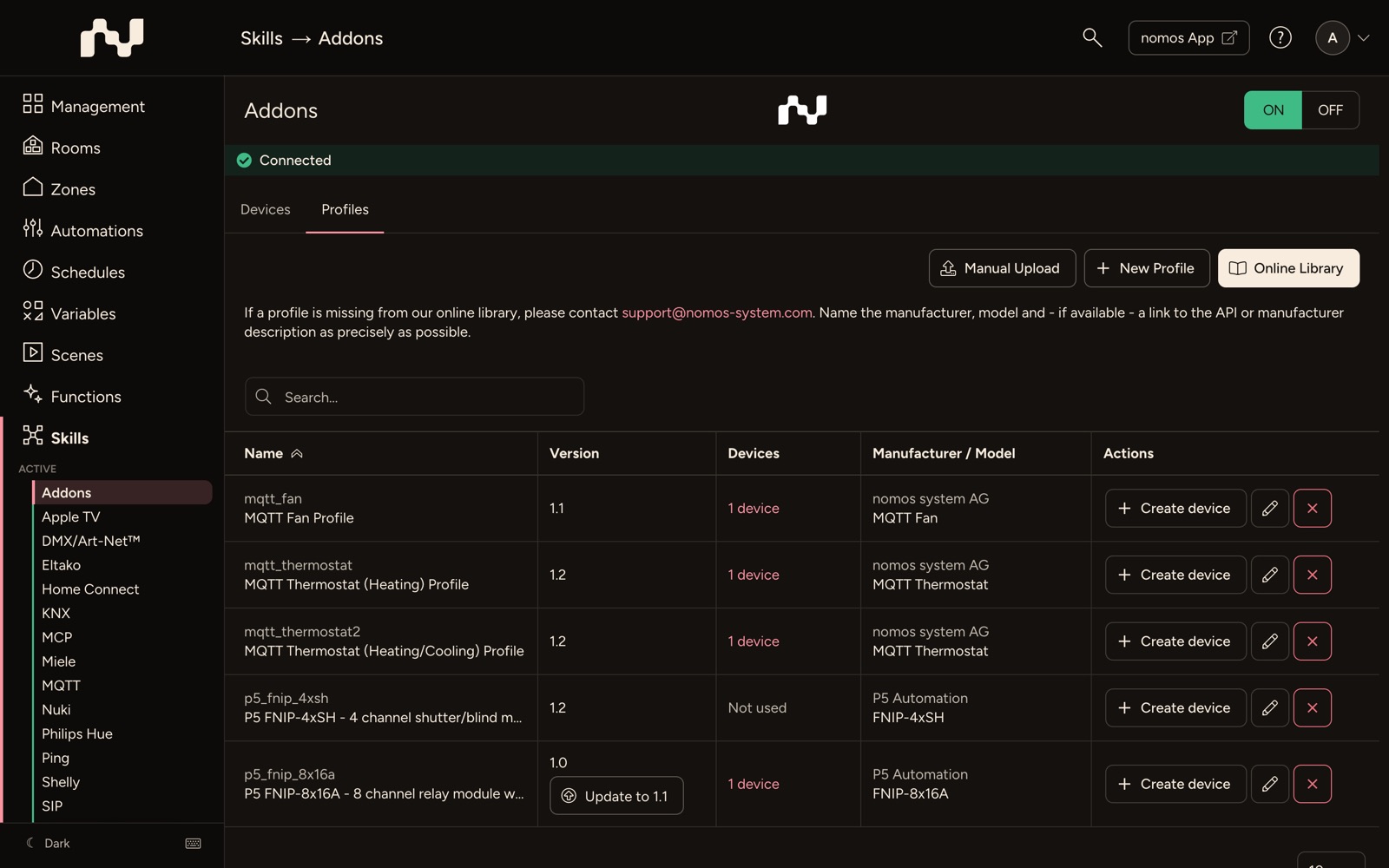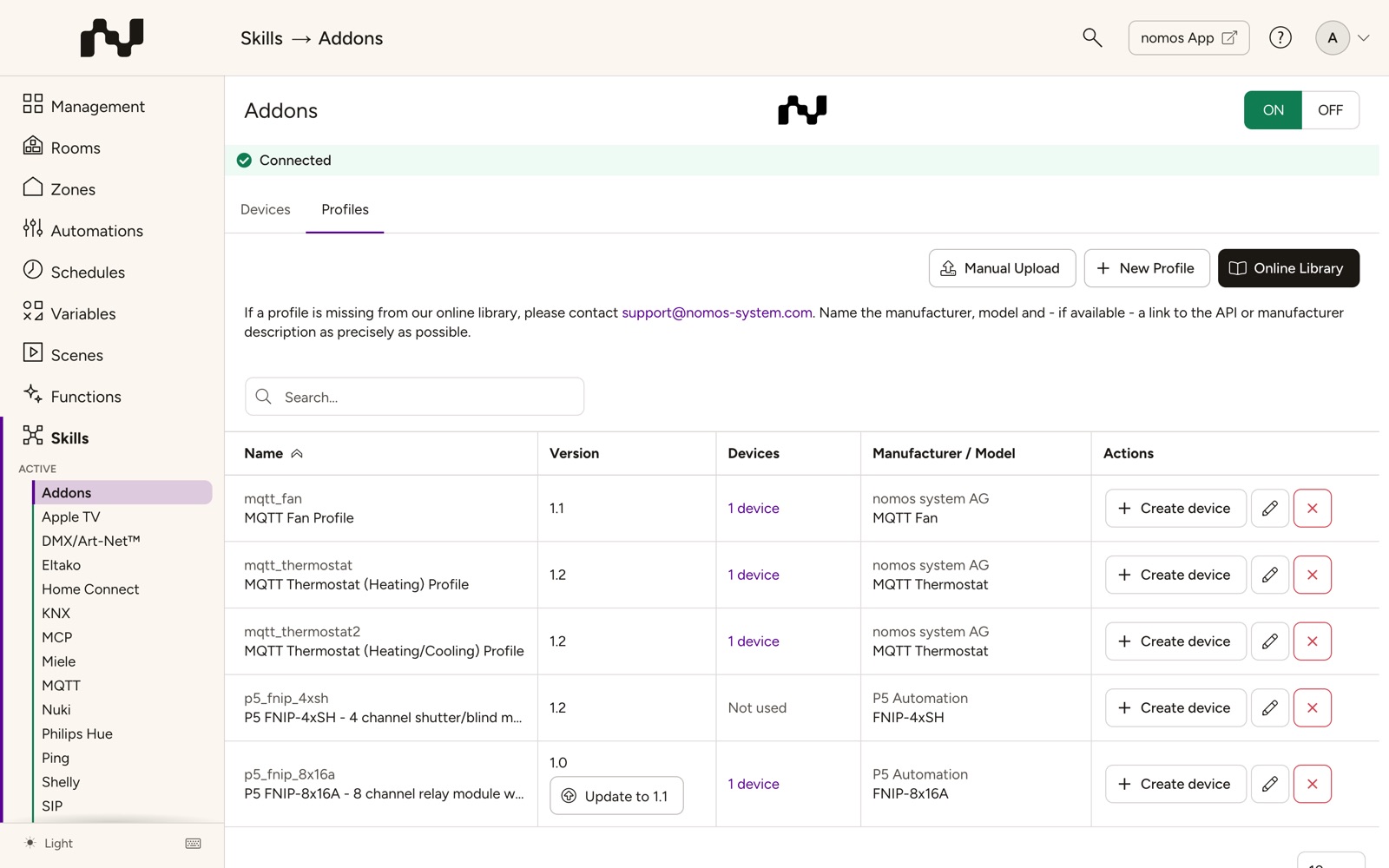

Overview of Integrated Add-ons
This view lists all the add-ons that are already integrated into your system. These add-ons can be used to extend the functionality of your system, especially when official APIs are not available. They are specific extensions that should be used carefully since they may rely on unofficial interfaces.
Column Explanations:
- Name: Displays the name of the installed add-on currently in use, for example, mqtt_windowcovering. Clicking the name downloads the profile as a JSON file, e.g. as a template for a profile of your own.
- Version: Indicates the current version of the add-on, in this case, version 1.2.
- Devices: How many devices use the profile, e.g. 1 device. A profile no device uses is marked Not used. Clicking the column heading sorts the list by it, with the unused profiles on top. Clicking the count lists the devices, each with a link to its device page.
- Manufacturer / Model: The manufacturer of the add-on on top, the model or function below, e.g. nomos system AG and MQTT Window Covering.
- Actions:
- Create device: Allows you to create a new device based on the selected add-on and integrate it into your system.
- Info (i): Opens the help or manufacturer page, if the profile names one. For the profiles of the nomos library it opens the matching page under Device profiles (in German).
- Edit (pencil): Opens the profile in the profile editor.
- Delete (X): Removes a profile that no device uses any more from the list and the system, after a confirmation. While devices still use the profile, it cannot be deleted: the configuration then names the devices to delete first.
Usage:
- To use an add-on in your system, click on "Create device" and follow the instructions to integrate the device based on this add-on into your network.
- Be cautious when using add-ons, especially if they rely on unofficial APIs, as they may not offer the same stability as officially supported integrations.