7. Controller Name
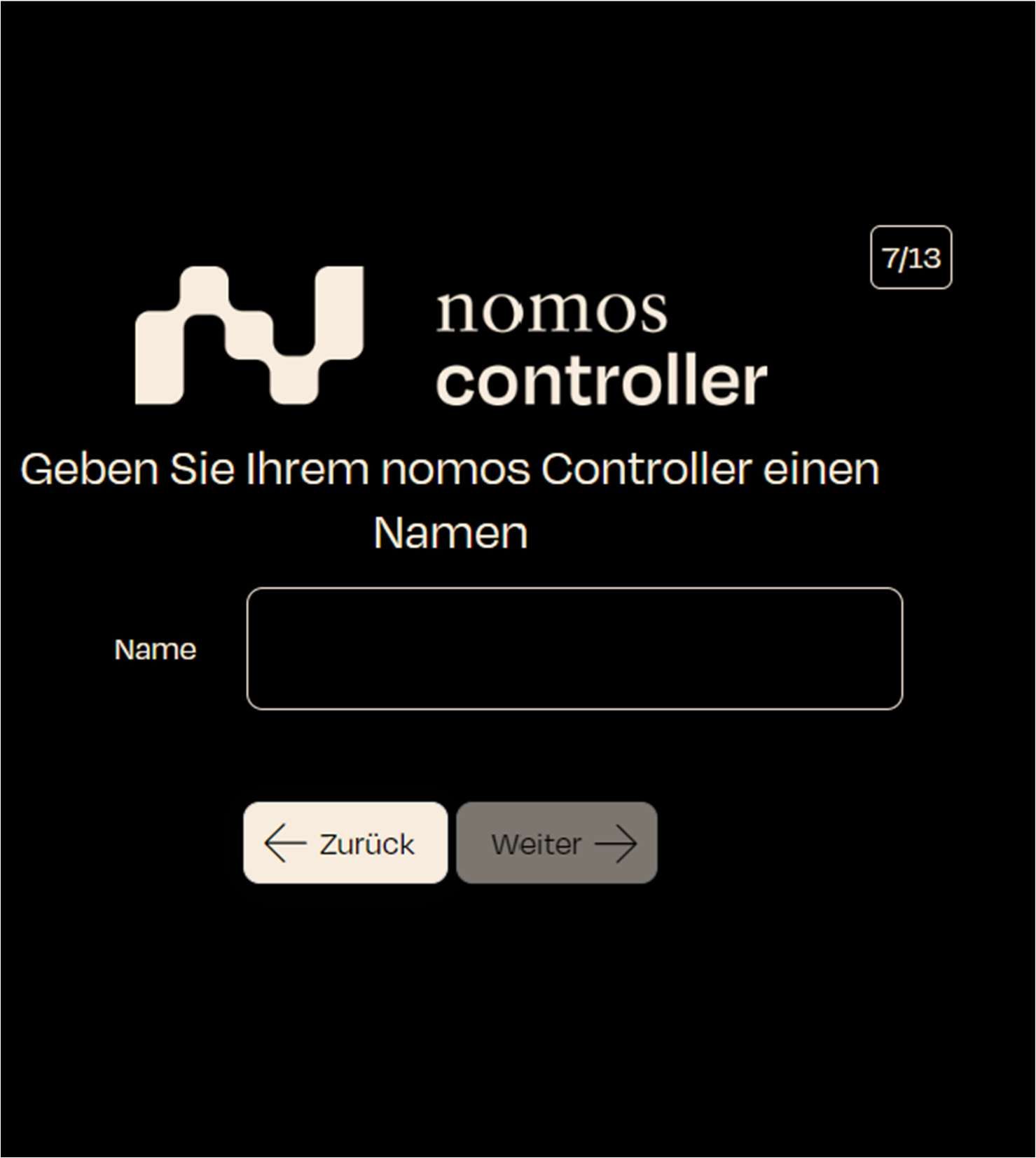
In this step, the user is given the opportunity to assign a unique name to the controller.
- Screen display: A text field appears where the user can enter a name for the nomos system Controller.
- Step: Enter a name for the controller that you would like to use.
- Next step: Click on "Next" to confirm the name and proceed to the next step.