Create Room
To better organize devices and functions within the nomos system Controller, you can add new rooms. This allows for a structured overview and simplifies the management of automations and devices.
Adding a New Room:
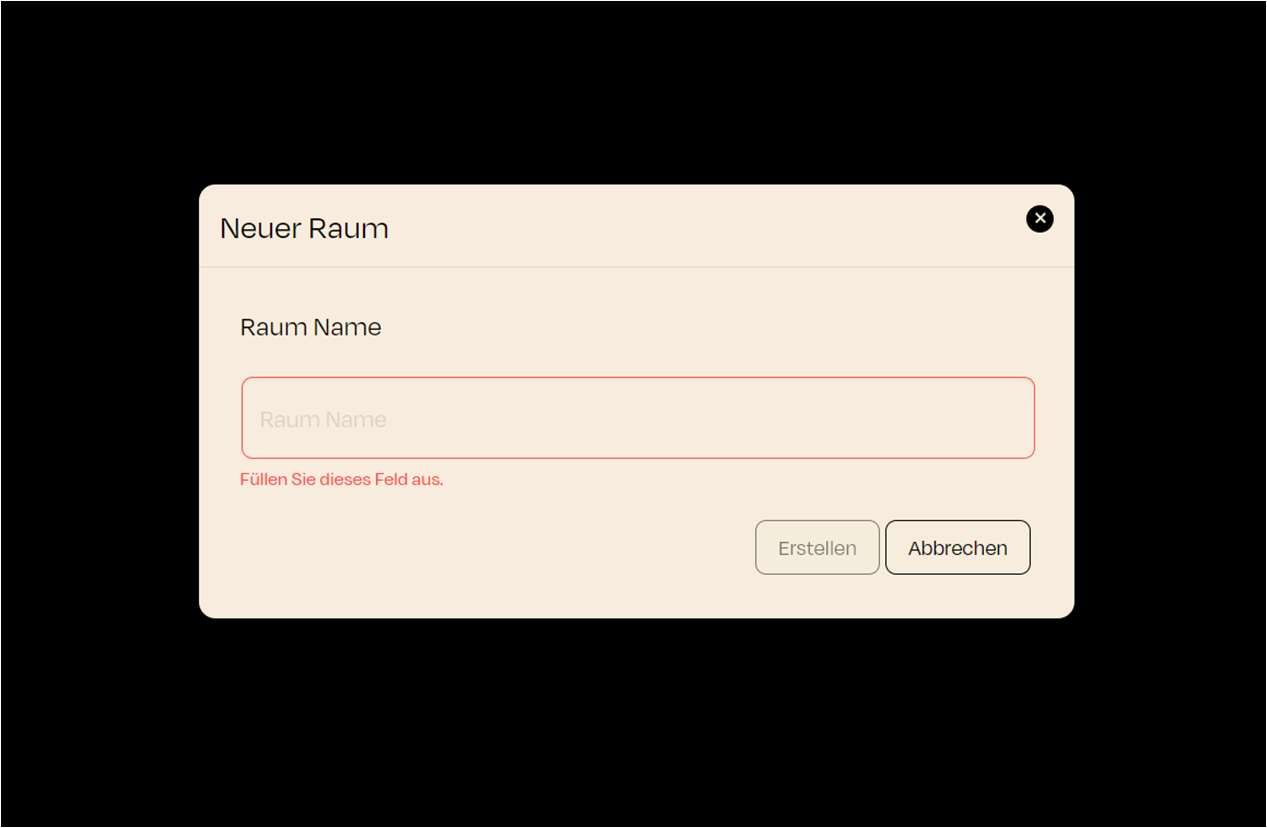
- Clicking the "New Room" button opens a dialog window where you can enter the name for the new room.
Steps to Create a Room:
- Room Name:
- A text field appears prompting you to name the room. Enter the desired room name here.
- Once the name is entered, click the "Create" button to add the room.
- The newly created room will now appear in the room list and is ready for you to assign the desired devices/objects.
Rooms help you organize devices and automations. Each room can contain specific automations and scenes that apply to the devices assigned to it.