Miele
With the Miele integration, you can control Miele devices (like coffee machines or other smart devices) through the nomos system Controller.
- Logging in with your Miele account:
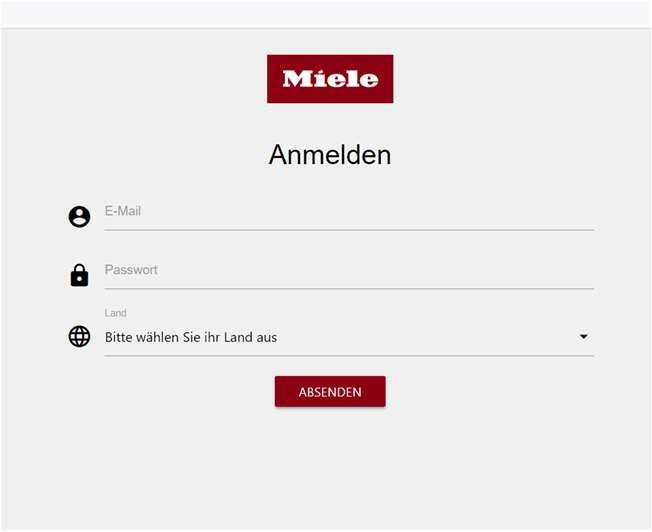
- To connect your Miele devices with the nomos system Controller, you need to log in using your Miele account. To do this, click the button "Sign in with your Miele account" on the right side of the screen.
- Browser window:
- When you click the button, a new browser window should open, taking you to the Miele login page. If the window doesn’t open automatically, you can click the link "here" to open it manually.
- Connecting your Miele account:
- Once you have successfully logged in with your Miele account, the nomos system Controller will gain access to your Miele devices. These devices will appear in the app and can be included in automations or scenes.
- Controlling devices:
- After the connection, you will be able to monitor and control your Miele devices through the nomos app. The devices will then show up in the list under the Miele symbol.
INFO
Important note:
- Make sure to use the correct login credentials for your Miele account.
- Your Miele devices must be connected to the Miele Cloud for the integration to work successfully.