15. Completion of Setup
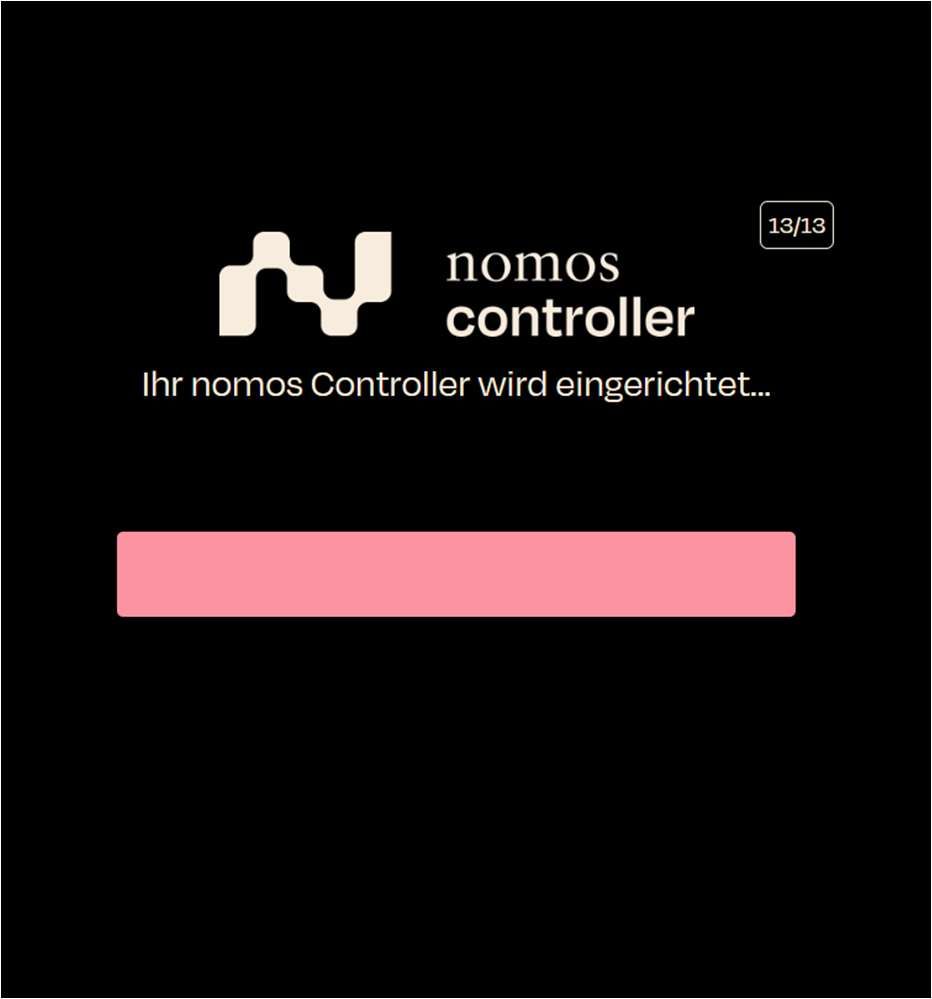
In this step, the nomos system Controller setup is finalized.
- Screen Display: A progress bar indicates the setup progress.
- Text: "Your nomos system Controller is being set up..."
- Step: Wait until the setup is complete.
15.1 Reconnecting
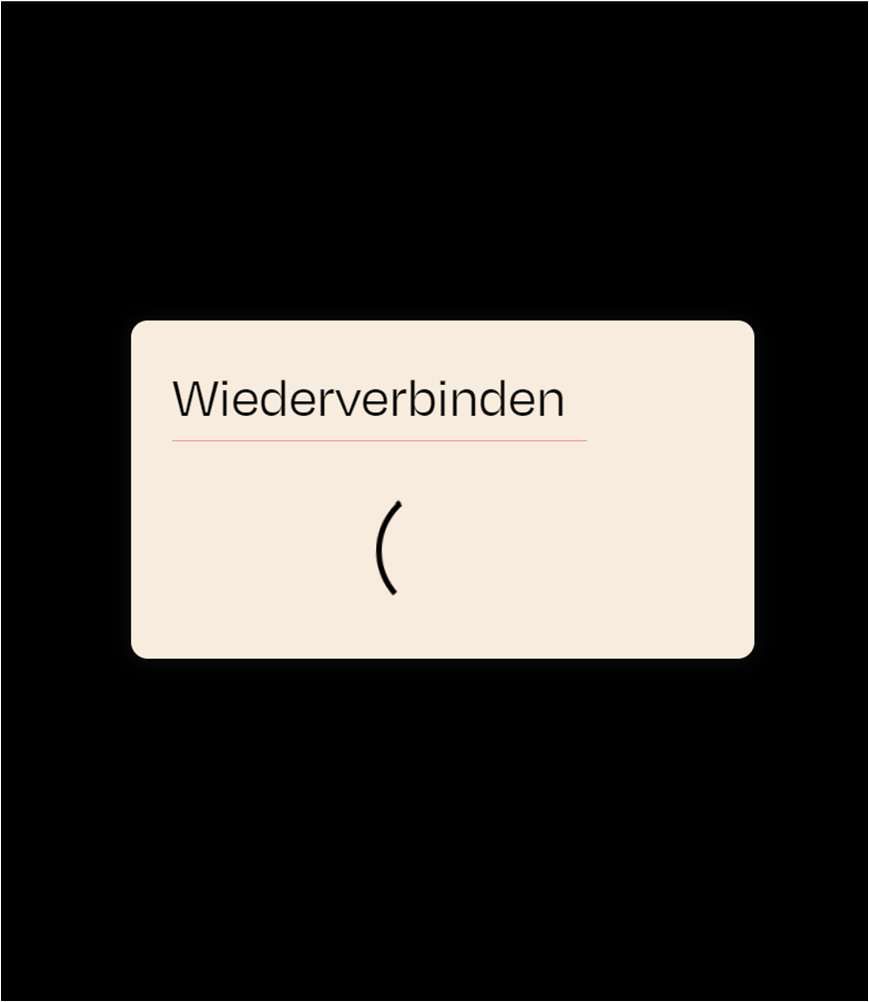
If there is a connection interruption during the setup, a message will appear. Once the nomos system Controller reconnects to the network, you can log in to the controller via its IP address.
- Screen Display: A window appears with the message "Reconnecting."
Wait until the connection is restored. The setup of the nomos system Controller is now complete. You can now access the controller via your browser and the assigned IP address.