

Places
Places are circles on the map — home, work, school. The function knows which devices with a position are at which place right now and turns that into triggers and conditions for automations: "car reaches work", "car leaves home", "somebody is at home".
Devices with a position are all devices that report latitude and longitude, today mostly vehicles. nomos defines the places itself, independently of the device's manufacturer: no vehicle interface knows freely defined places.
Overview
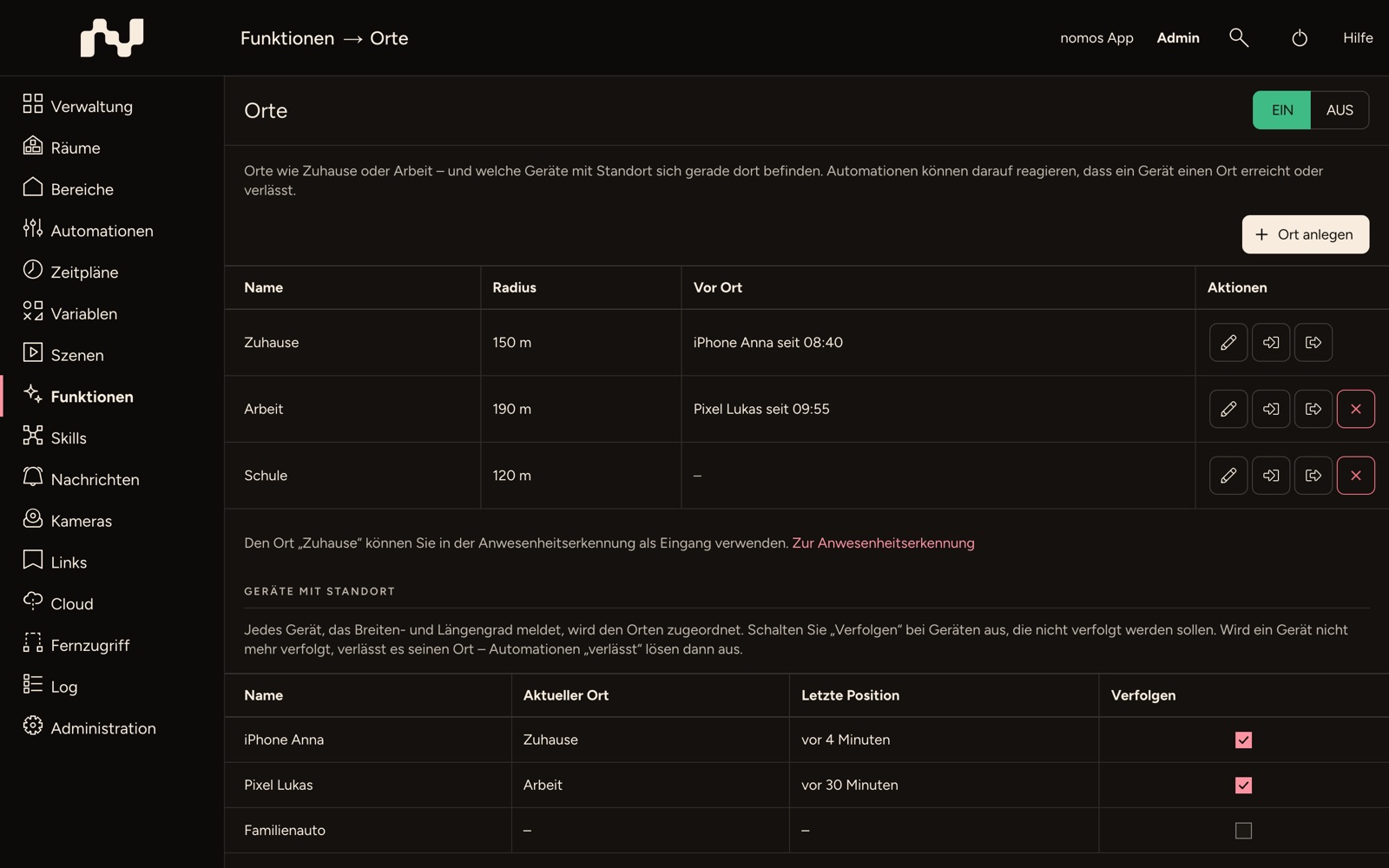
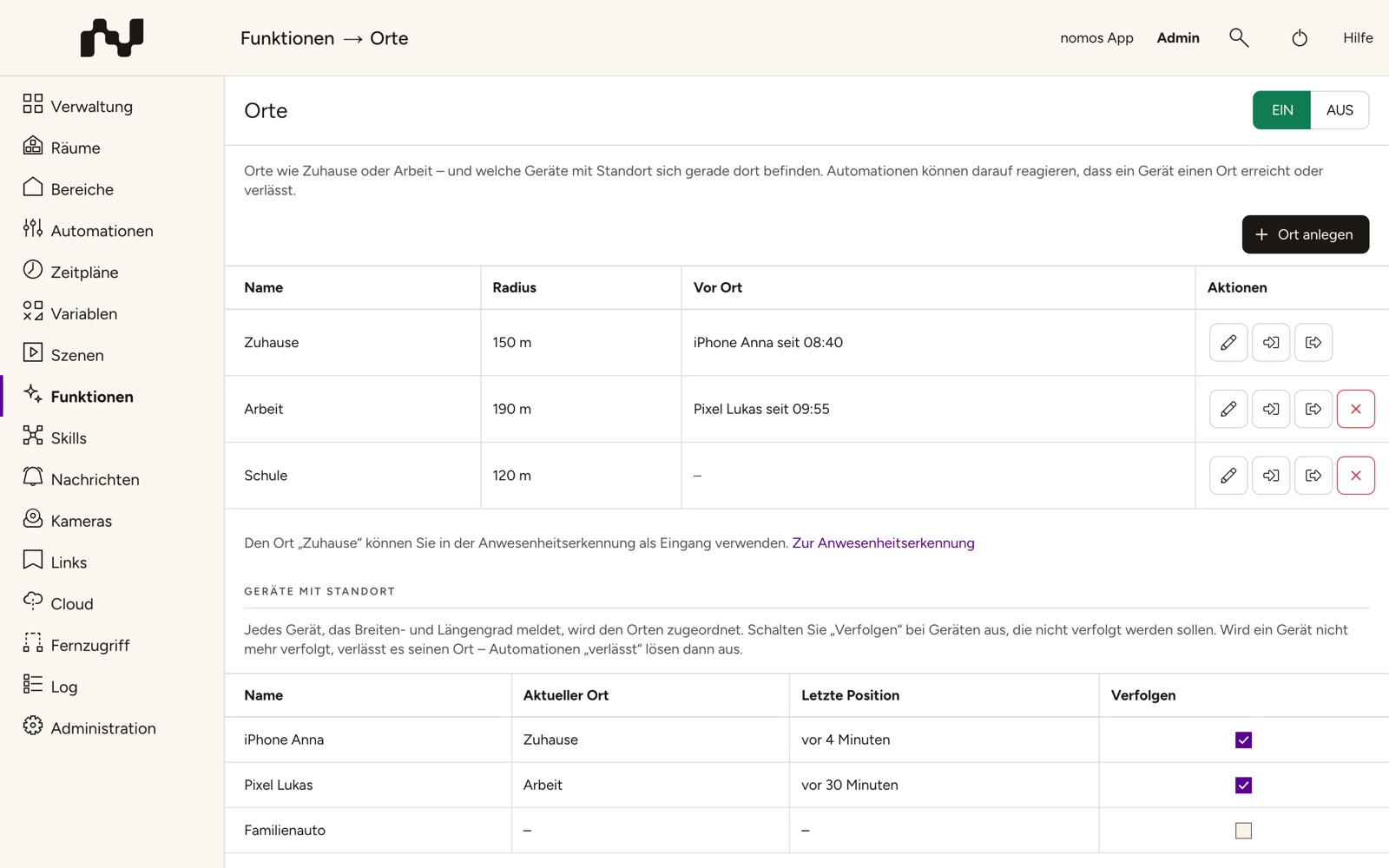
The table shows every place with Name, Radius and Present — which devices are there right now and since when, such as "iPhone Anna since 08:40". Under Actions you find:
- Edit — change name, centre and radius,
- Create automation: reaches this place and Create automation: leaves this place — see Automations,
- Delete — except for "Home".
There are at most 20 places.
Home
Home is built in. Its centre is the location of the controller, which you set under Administration → Settings on the Location tab; on the place's page, Change it in the settings leads there. As long as no location is set, Home is not evaluated, and the page points this out. You change the radius of Home (initially 150 m) like that of any other place.
You can use Home as an input in presence detection: if a vehicle is at home, somebody is there.
Creating places
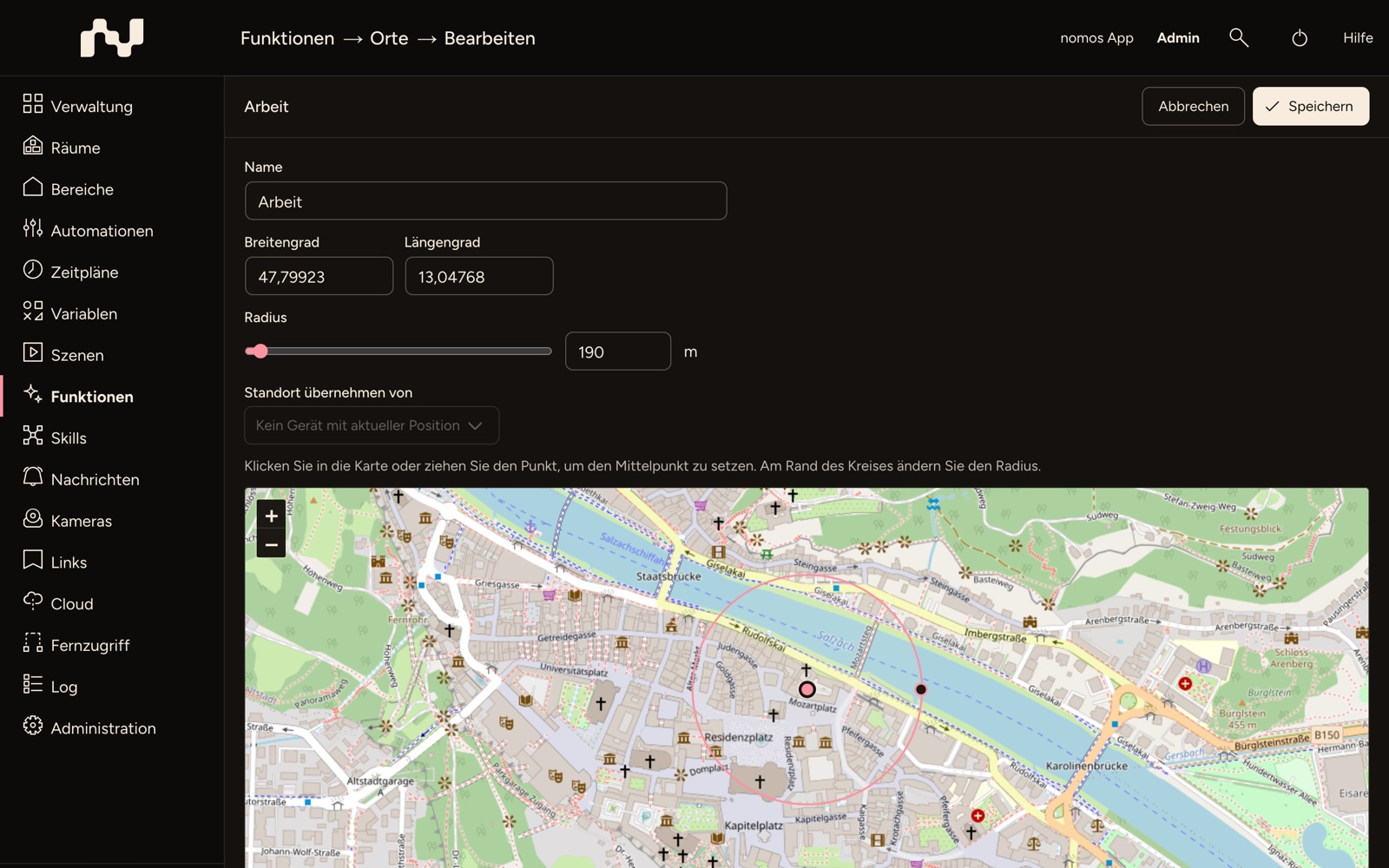
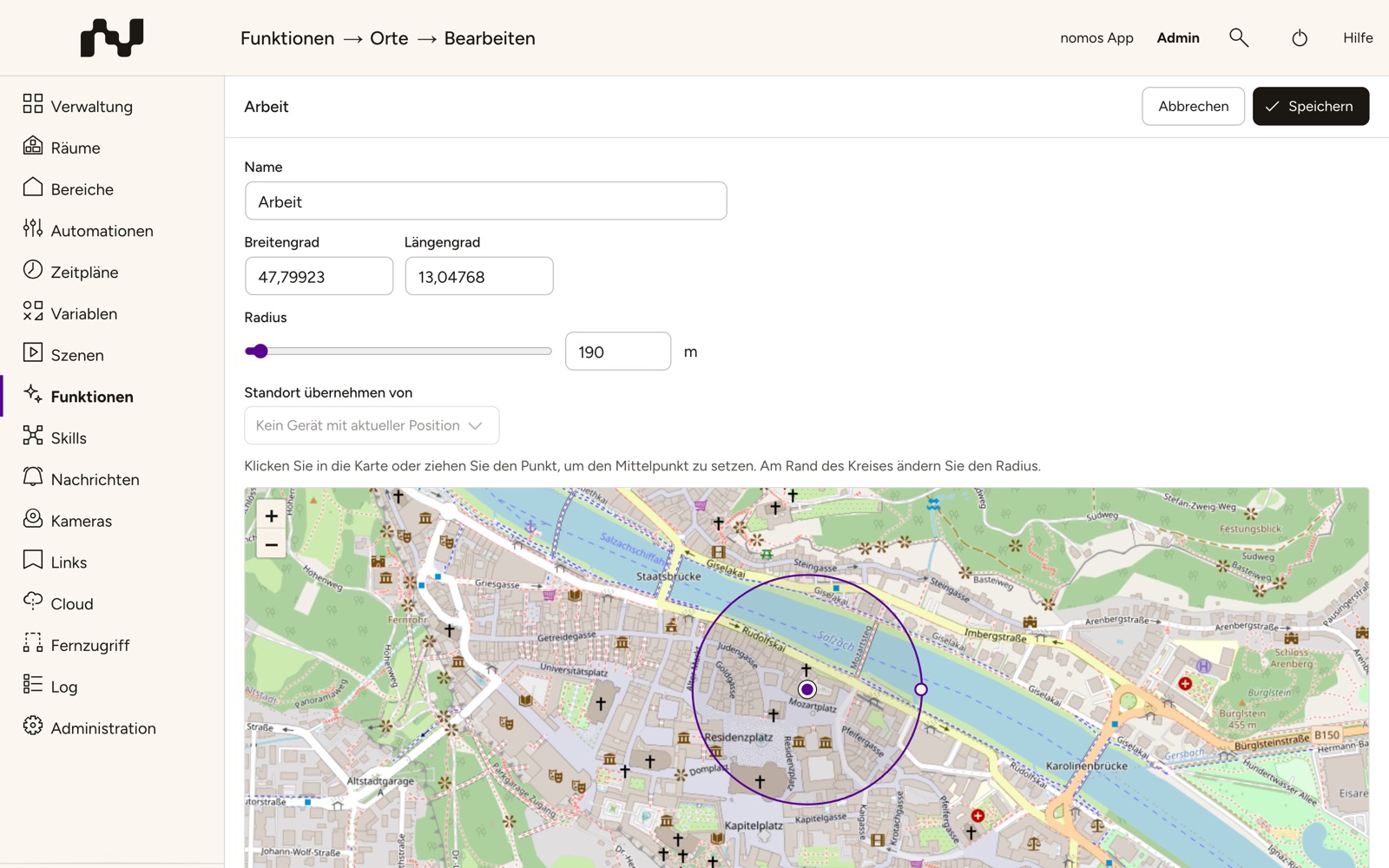
Add place opens the editor:
- Name — at most 40 characters, every name only once. "Home" is taken.
- Latitude and Longitude of the centre. It is easier to set it on the map: click into it or drag the point.
- Radius between 50 m and 5 km, with the slider, the field next to it, or directly at the edge of the circle.
- Take the position from — sets the centre to the current position of a device, such as the car that is parked in the company car park right now.
The map comes from OpenStreetMap and needs an internet connection in the browser. Without one, you enter the coordinates by hand.
When a device is at a place
- Reaching: A device is at a place as soon as its position lies within the radius.
- Leaving: It only leaves the place once it is clearly further away — by a fifth of the radius, at least 25 m. That way a car parked at the edge does not flip between "there" and "gone" because of imprecise GPS values.
- Overlapping places: A device is always at no more than one place. If places overlap, the smallest one applies — the workshop inside the company grounds, not the company grounds.
- No position: If a device reports no valid position (for instance because location sharing is switched off in the vehicle), it stays where it was. The list then shows no current position.
The assignment survives a restart of the controller: if the car is still at the same place afterwards, no automation fires again.
Devices with a position
Devices with a position lists all devices that report latitude and longitude, with their Current place (or On the move) and their Last position. New devices appear here by themselves.
Switch Track off for devices that should not be evaluated. A device that is no longer tracked leaves its place — "leaves" automations then fire.
The devices of the places
Every place is a device with these values:
- Someone is there — whether at least one device is on site,
- Number present — how many,
- ‹device› is there — a value of its own for every device with a position, for example "Family car is there".
The values only report; they cannot be switched. Automations use them as trigger and condition like the values of any other device. In the app, the place appears in its room with a map and the list of who has been there since when. If a device is renamed, the names of the values follow; automations that use them are not affected.
Automations
The two templates in the overview take the setup of the trigger off your hands. Choose the place, the direction and, in the dialog, the device:
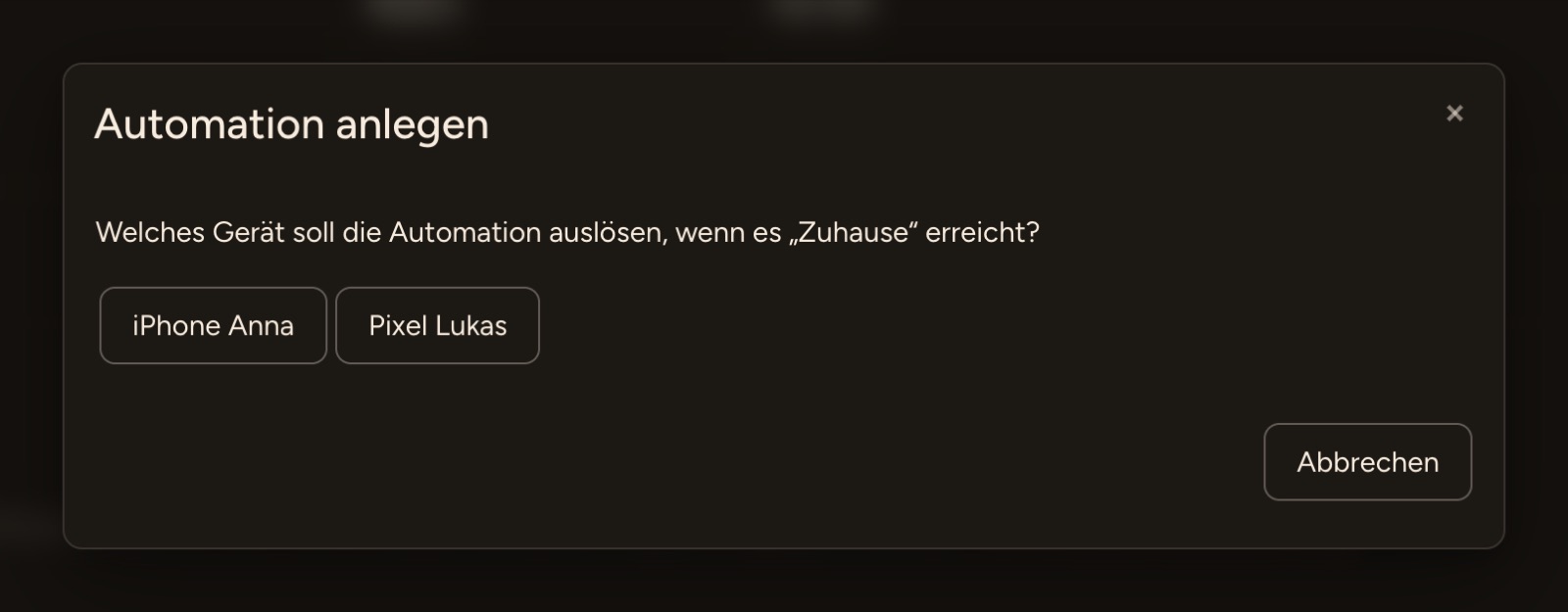
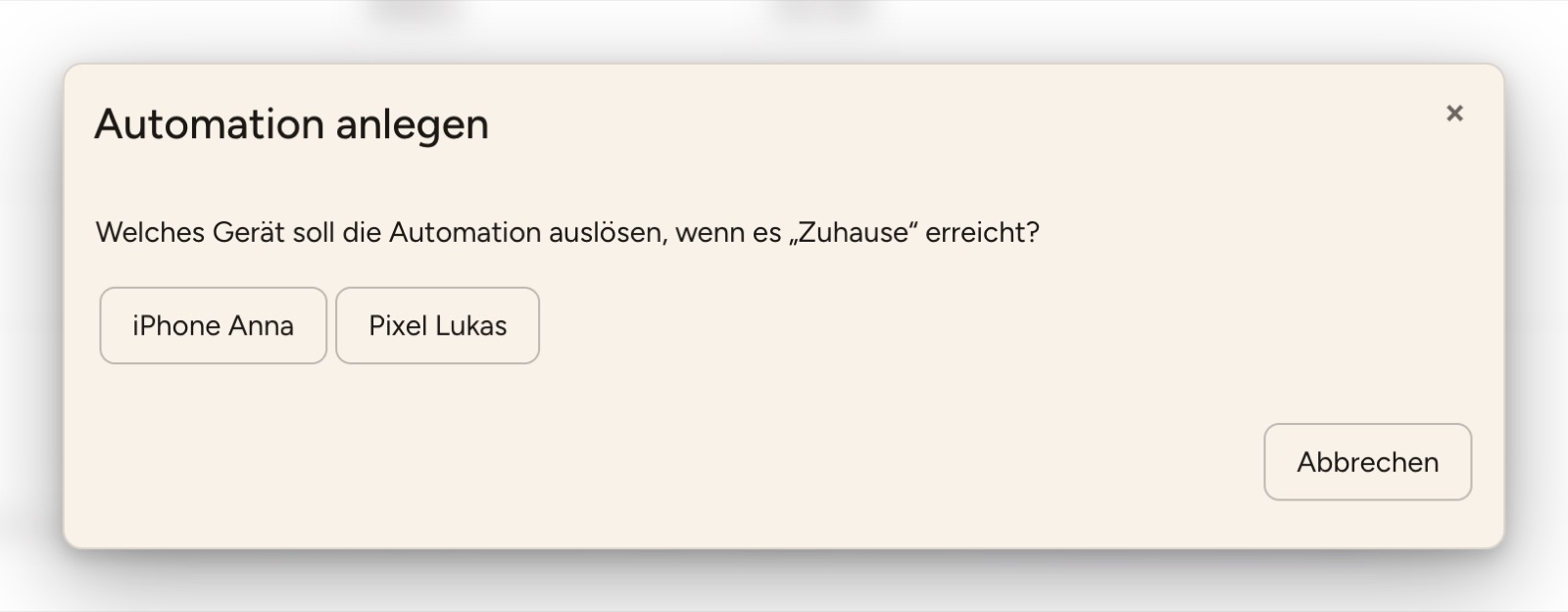
The automation editor opens with the trigger "‹device› is there" equal to Yes (reaches) or No (leaves) and with the option Only trigger if the reported values are different switched on, so that the automation only fires on the change and not on every new position. Add the actions and save.
In the same way you can take Someone is there as a trigger — "the first one comes home", "the last one has left" — or check the values as a condition: "only if the car is at home".
Deleting places
Deleting a place also removes its device. The dialog names the automations that use the place beforehand; they no longer fire afterwards. The other places and their automations stay unchanged.