

User
Name, language, password, passcode, approving sign-ins and usage recording.
Under Settings → User you find your personal details: Name, Username, email and your Authorization, that is, your user group.
Name
Tap the pencil next to Name to change the name the app greets you with. Guests cannot change the name.
Language
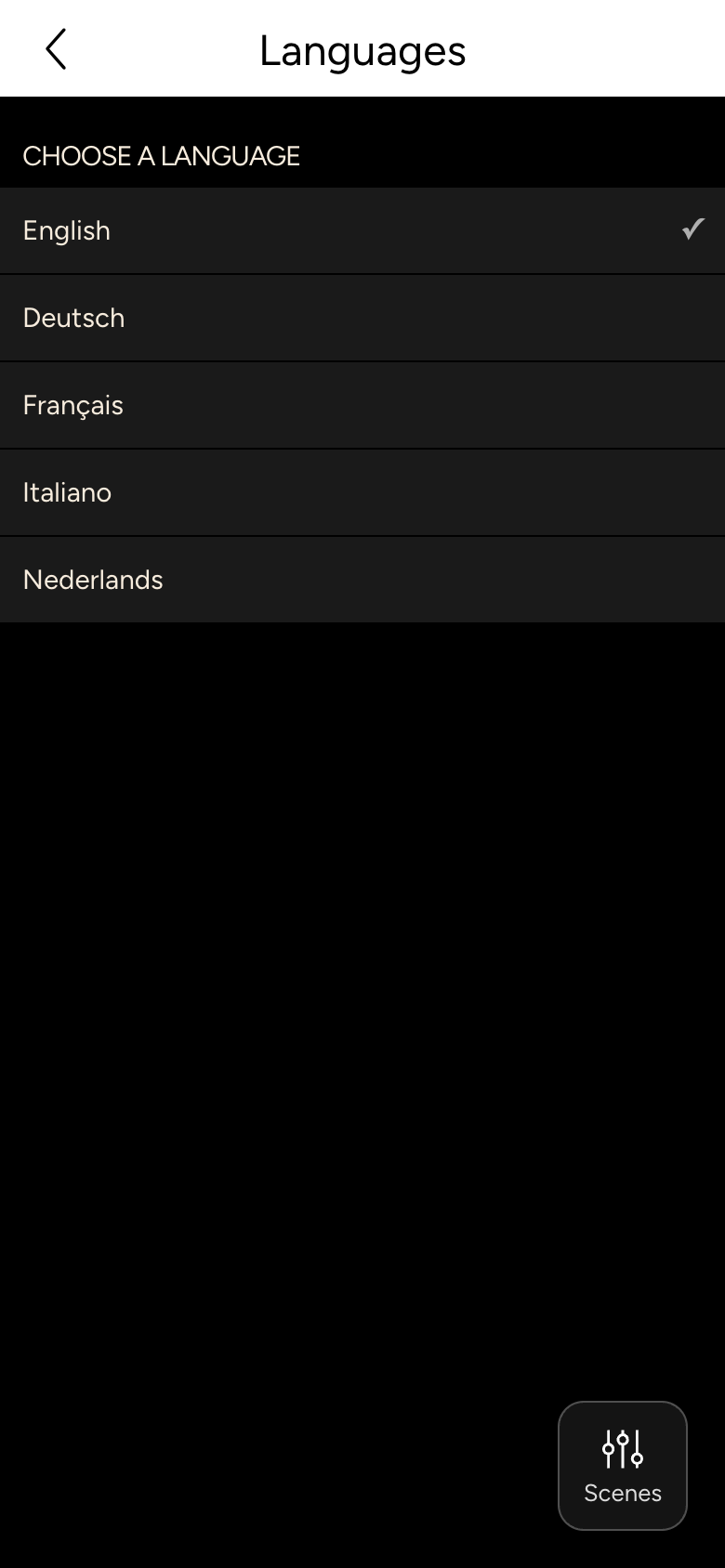
Under Language you choose English, Deutsch, Français, Italiano or Nederlands. On the first launch, the app uses your device's language.
INFO
The names of rooms and devices are set by your integrator; they do not change with the language.
Change password
Under Change password you enter your Current password and the New password twice.
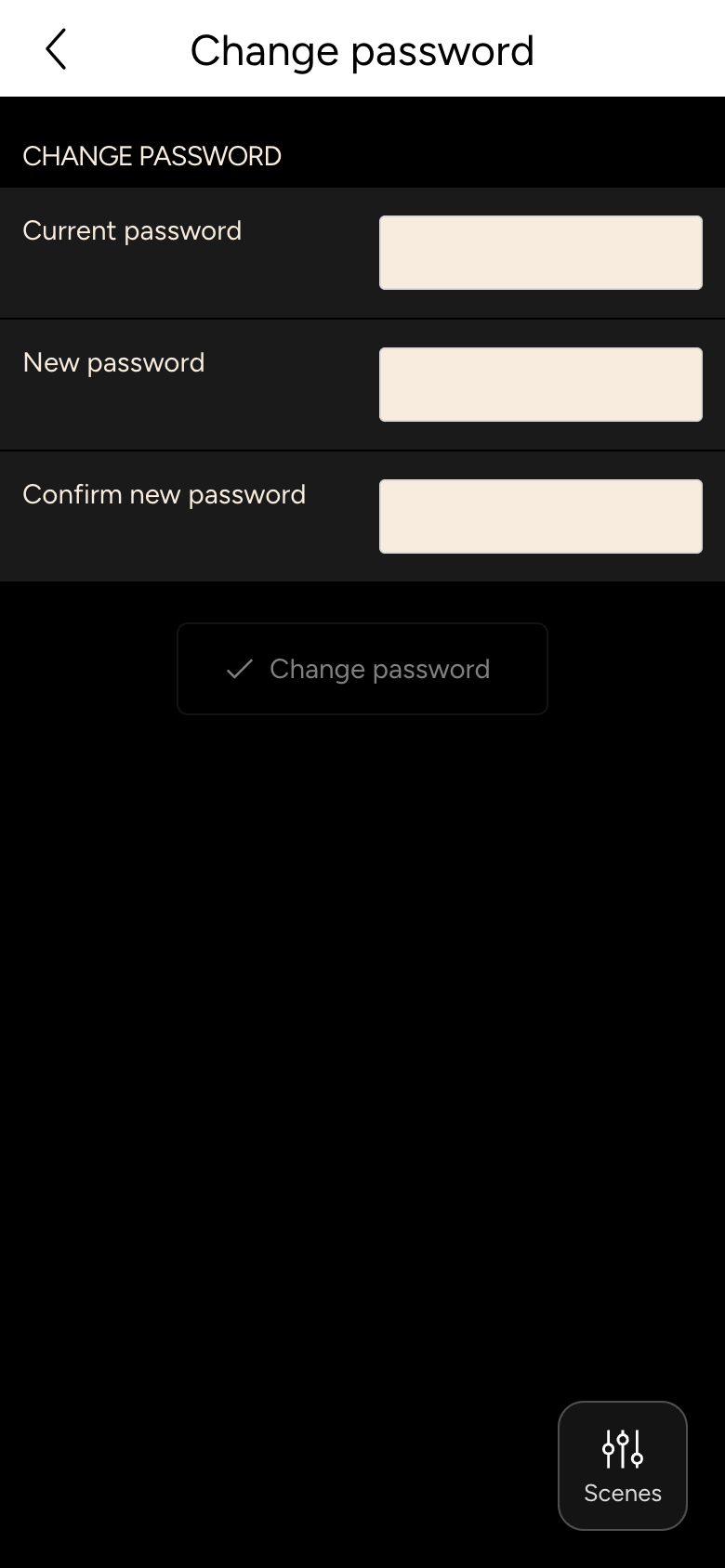
If you were signed in without a password via an approval, the app reminds you to set a new password.
Passcode
With a Passcode you protect settings from children or guests who use your tablet: set a four-digit code. Configuration, Controller, background image, SIP and Logout are then only reachable via Advanced Settings → Advanced with this code. The app also asks for the code before you can change the password.
The passcode only applies to this device.
Approve sign-in
With Approve sign-in you sign a wall panel or a browser in with your account without typing a password there. The app opens the camera; scan the QR code on the other device, compare the Code on the device and tap Approve. Signing in describes the whole process.
This function is only available in the app, not in the browser and not for guests.
Personal usage recording
If usage recording is switched on on your Controller, nomos learns from how you operate your home and gives you suggestions on the Overview. With Personal usage recording you switch this off for your account.
Newsletter
Under Newsletter you sign up for or unsubscribe from the nomos newsletter.