

Lights
Switching on and off, dimming, color and color temperature.
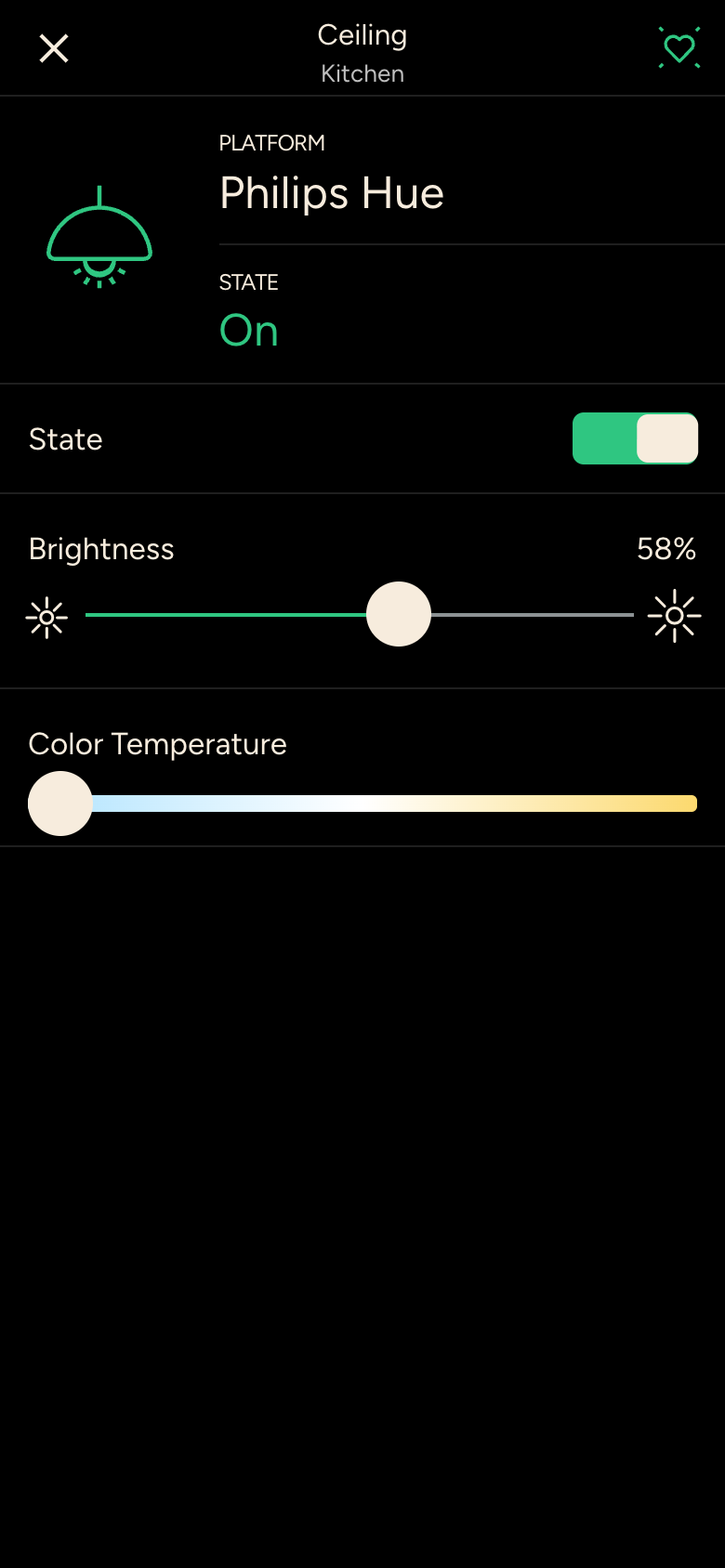
- State: switches the light on or off. Tapping the lamp icon also toggles it.
- Brightness: slider in percent. Some lights have buttons for dimming up and down instead of a slider.
- Color Temperature: from warm white to cool white.
- Color: color wheel for color lights. Press and hold one of the preset colors to store the current color there.
All lights in a room
In a zone, long-press the light icon on a room card to adjust all the lights in that room together. You can turn off all the lights in the house from the status bar on the Overview.