

Settings
Setting up the app and your user account the way you like.
Open the Settings with the gear icon at the very bottom of the menu. They consist of several sections:
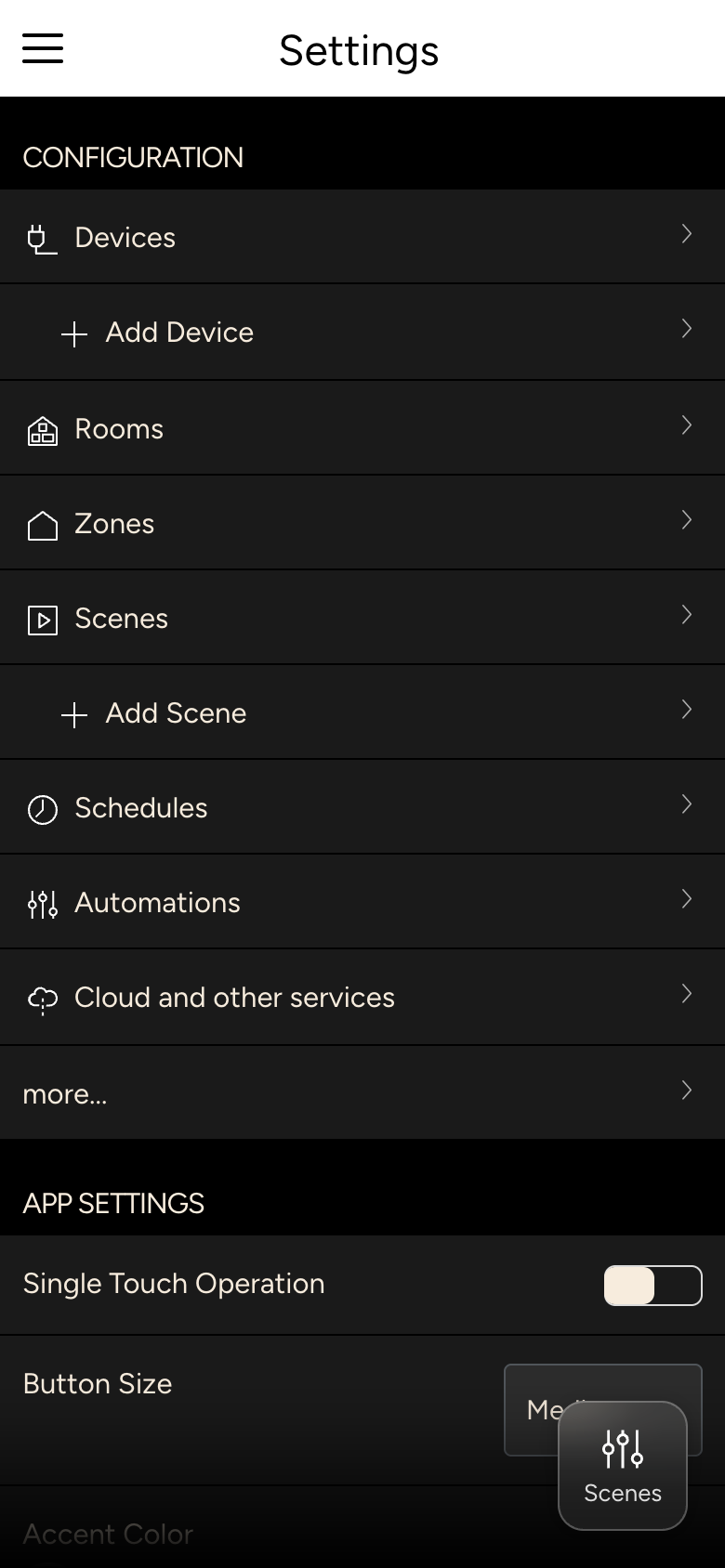
| Section | Content | Page |
|---|---|---|
| Configuration | only with admin rights or the corresponding permission | With admin rights |
| Controller | managing several homes | Several homes |
| App Settings | how the app looks and is operated | App settings |
| User | name, language, password, passcode | User |
| SIP | door stations | Cameras and intercom |
| Infos | versions, contact, support | Info and support |
At the very bottom you find Logout and App Reset, see Logging out and resetting the app.