

Using the app
Overview, rooms, devices and everything you need every day.
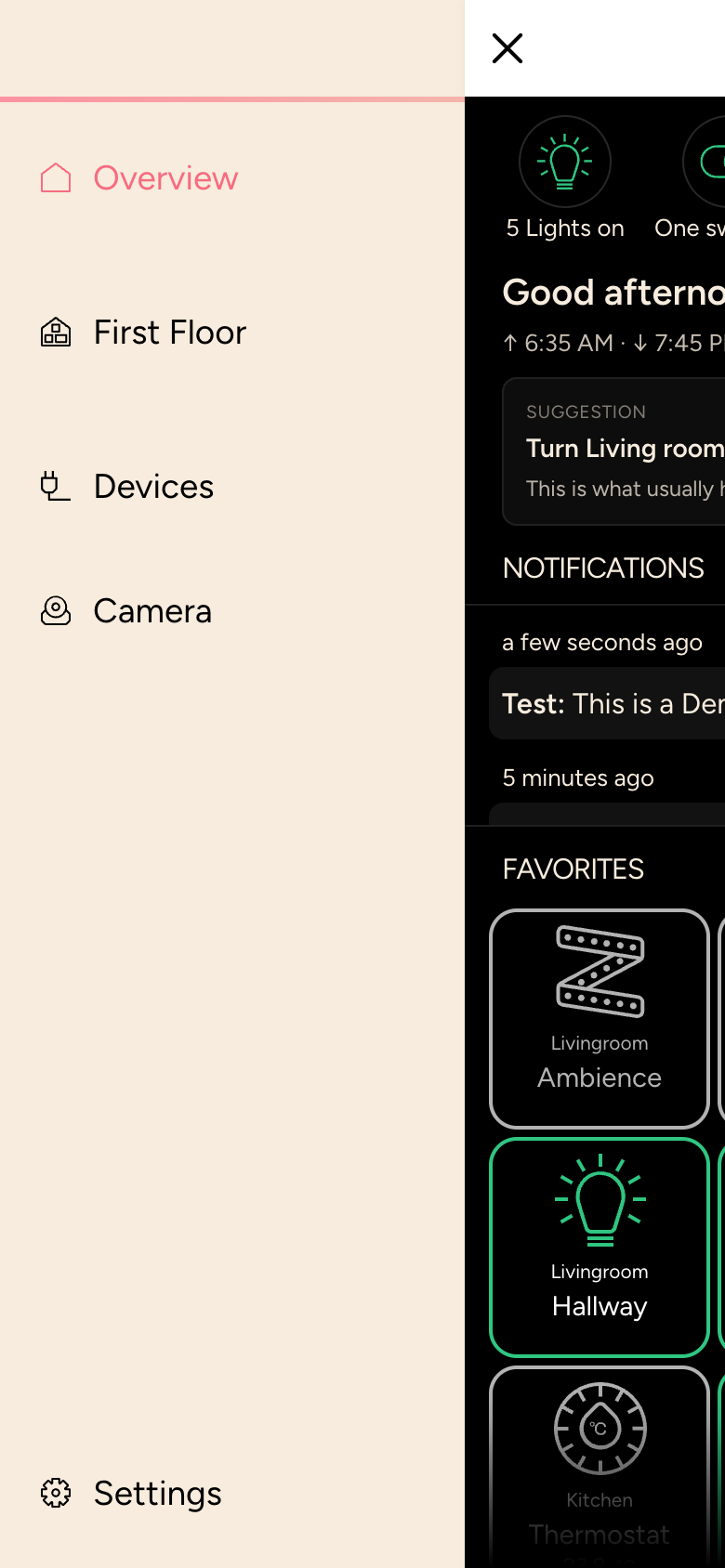
On a smartphone, open the menu with the ☰ icon at the top left; on a tablet or computer it is always shown on the left. It contains:
| Entry | Content |
|---|---|
| Overview | Your start page: status bar, favorites, suggestions and notifications |
| Your Zones | one entry per zone, for example First Floor, with the rooms in it |
| Devices | all devices sorted by type |
| Cameras | live images, if cameras are set up |
| Statistics | histories, if your integrator records measurements |
| Links | web pages your integrator has added |
| Settings | app, user and info |
You can start scenes at any time with the Scenes button at the bottom right, see Scenes.
INFO
The pictures in this manual show the app's demo mode. In your app you see your own rooms and devices.