

Install the app and connect the Controller
Find the app, search for the Controller in your Wi-Fi or enter its address.
Install the app
Download the nomos system app from the App Store (iPhone, iPad) or from Google Play (Android).

Connect to the Controller
Connect your smartphone to your Wi-Fi at home and open the app.
Connect to Controller
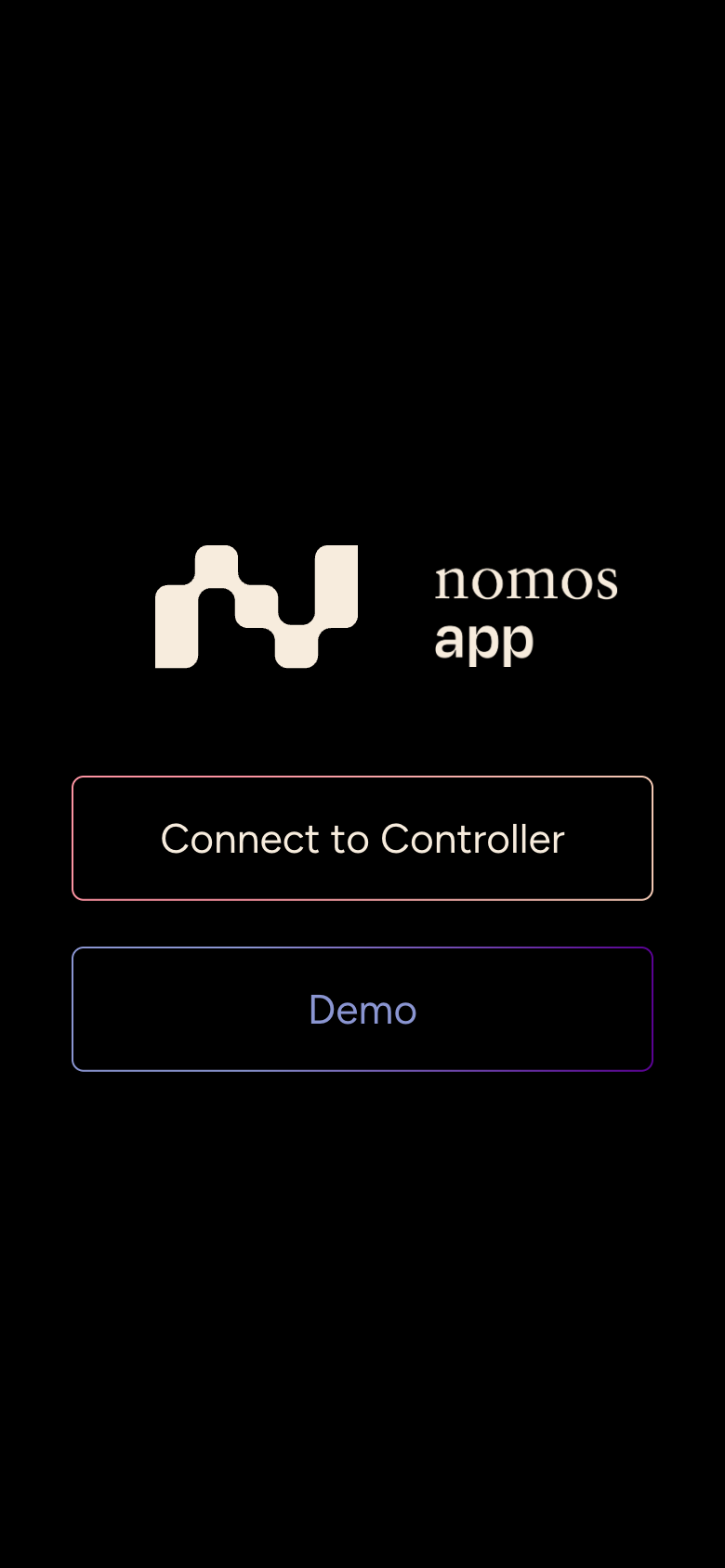
Tap Connect to Controller. The app now searches your Wi-Fi for nomos Controllers.
Select the Controller
Select your Controller from the list. The app shows its name, address and model. If a Controller says Not configured, it has not been set up yet: contact your integrator.
Sign in
Sign in with your username and password, see Signing in.
WARNING
If Please connect to your Wi-Fi network. appears, your smartphone is not on the Wi-Fi. The search only works in the same network as the Controller.
Controller not found?
Tap Manual setup and enter your Controller's address under IP address or hostname, for example 192.168.1.10. Your integrator can tell you the address. Then tap Connect.
In the browser
On your computer, enter your Controller's address directly into the browser's address bar, for example http://192.168.1.10. You go straight to the sign-in page.
Just want to try it out?
With Demo on the start screen, you can get to know the app with sample data, without any Controller. In demo mode you do not switch any real devices, and some settings are locked.