

Cameras and intercom
Watching live images and answering calls at the door.
Cameras
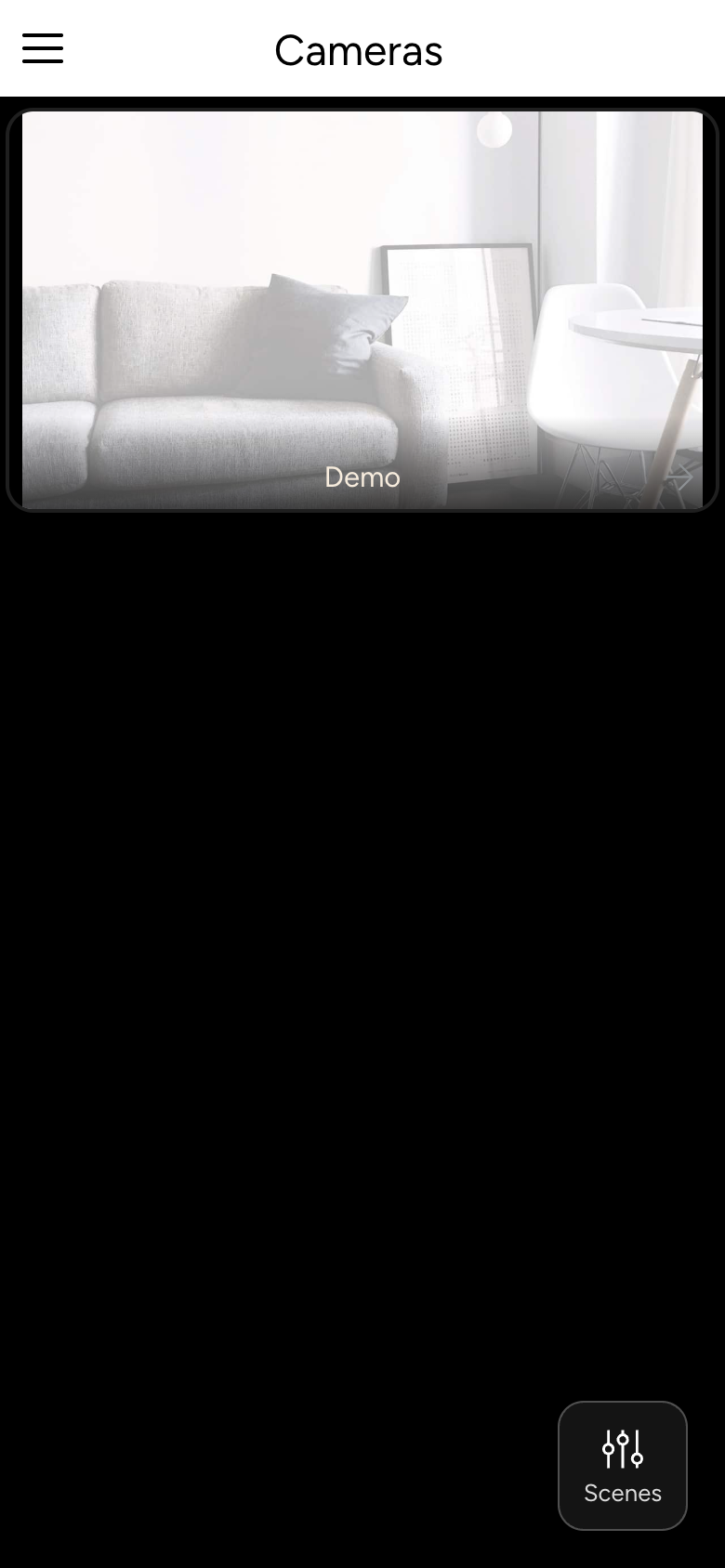
Under Cameras you see the live images of all cameras. Tap an image to show it in Fullscreen.
In a camera's details, you pan and zoom with the arrow buttons, if the camera supports it. If it is linked to a door, you can open the door directly here. If the connection is slow, for example on the go, the app tells you; the image then arrives with a delay.
Intercom
When someone rings at a connected door station, the app shows the call with a picture, if a camera is assigned.
- Answer or Decline
- During the call: Mute, Hold, Hangup and Open for the door opener
Under Settings → SIP you set for each door station:
- Ringtone
- Do not disturb: no ringing in the app
- Auto answer this caller
- Remove Caller
INFO
On tablets and wall panels with the screensaver switched on, the camera image appears automatically when someone rings or motion is detected.