

The first launch
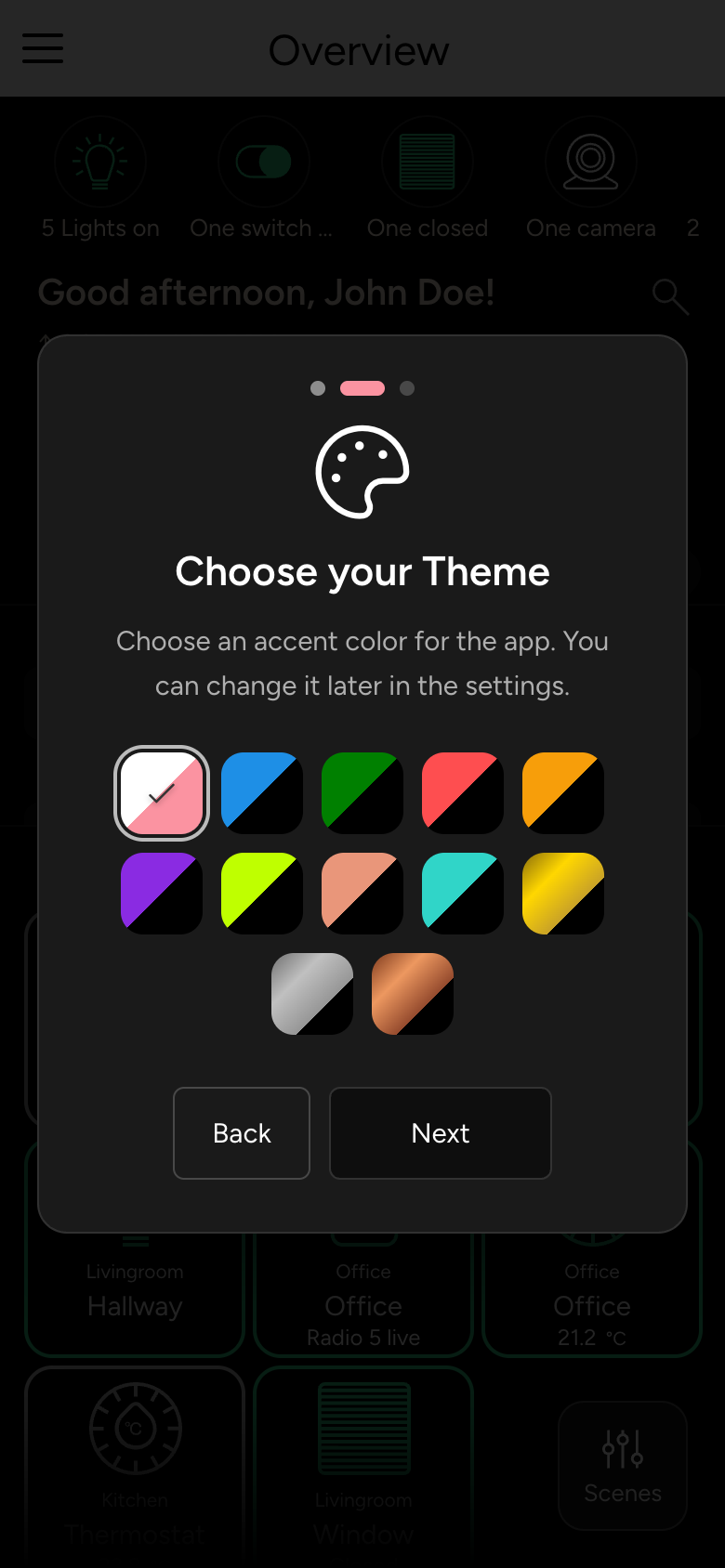
On the first launch, you set up the app's color and operation in three steps.
After you sign in for the first time, the app greets you with Welcome to nomos and guides you through the most important settings in three steps. Next takes you to the next step, Back to the previous one.
Set up operation
Under Control Settings, you decide:
- Single Touch Operation: tapping a device tile switches the device directly. Without this setting, a tap opens the device's details.
- Button Size: how large the tiles appear.
- If you like, sign up for the nomos newsletter (about once a month).
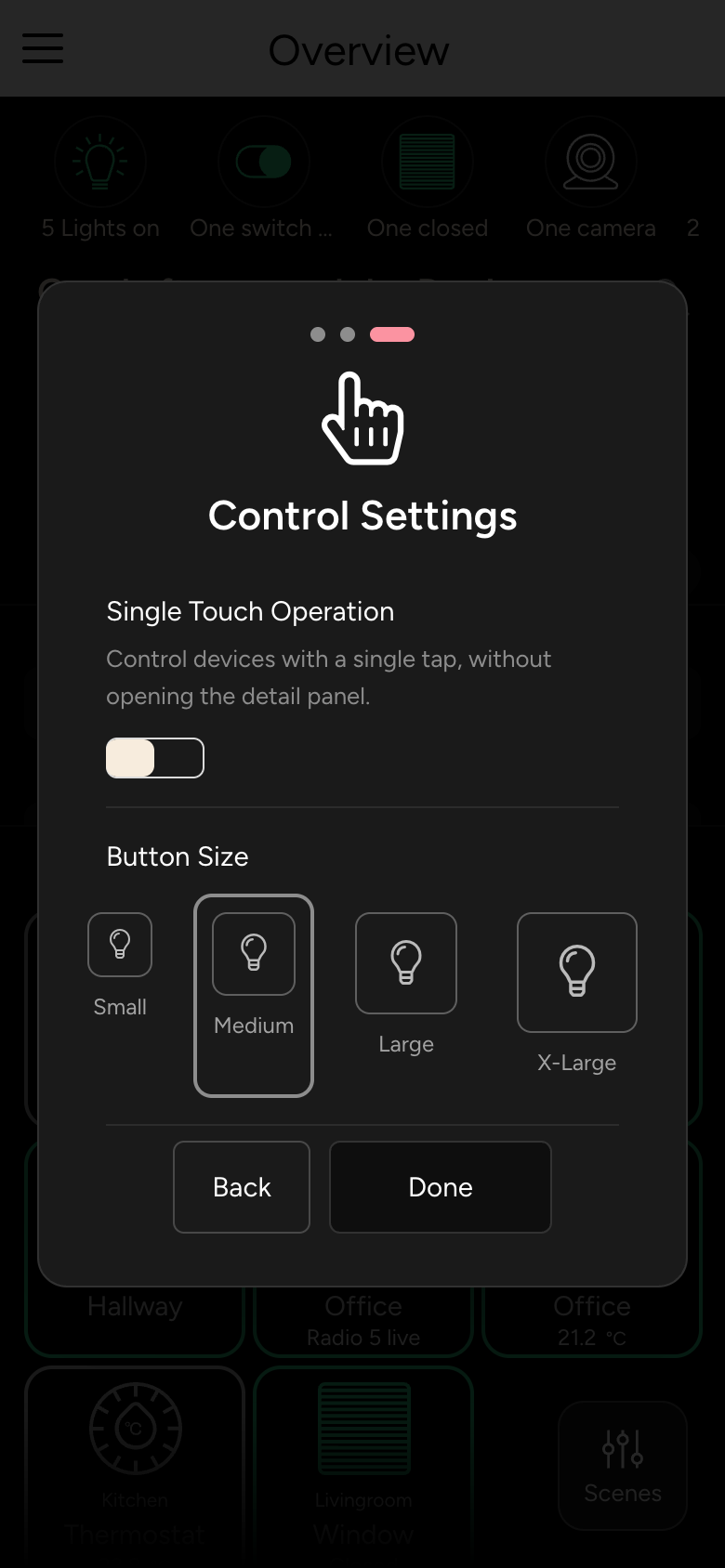
Tap Done.
You can change all of these settings later under Settings, see App settings.