

Vacation mode and presence
Absence, vacation period and places.
Vacation mode
In vacation mode, your home can behave differently, for example lower the heating or simulate that someone is at home. Your integrator has set up exactly what happens.
When Vacation mode is switched on, the Overview shows it in the greeting. Tap it to see:
- the state On or Off, with a switch,
- the Period: Within the planned period or Outside the planned period,
- Set by hand: whether someone has changed the mode with the switch. It then stays that way until someone switches it back or the planned period begins or ends.
With Change period you set the start and end of your vacation, see System settings. This requires the corresponding permission.
Presence and places
The greeting shows whether someone is At home or everyone is Away. For this, your integrator can evaluate smartphones, locks or motion detectors.
With places, nomos detects whether a device is at a certain place, for example your car at home or at work.
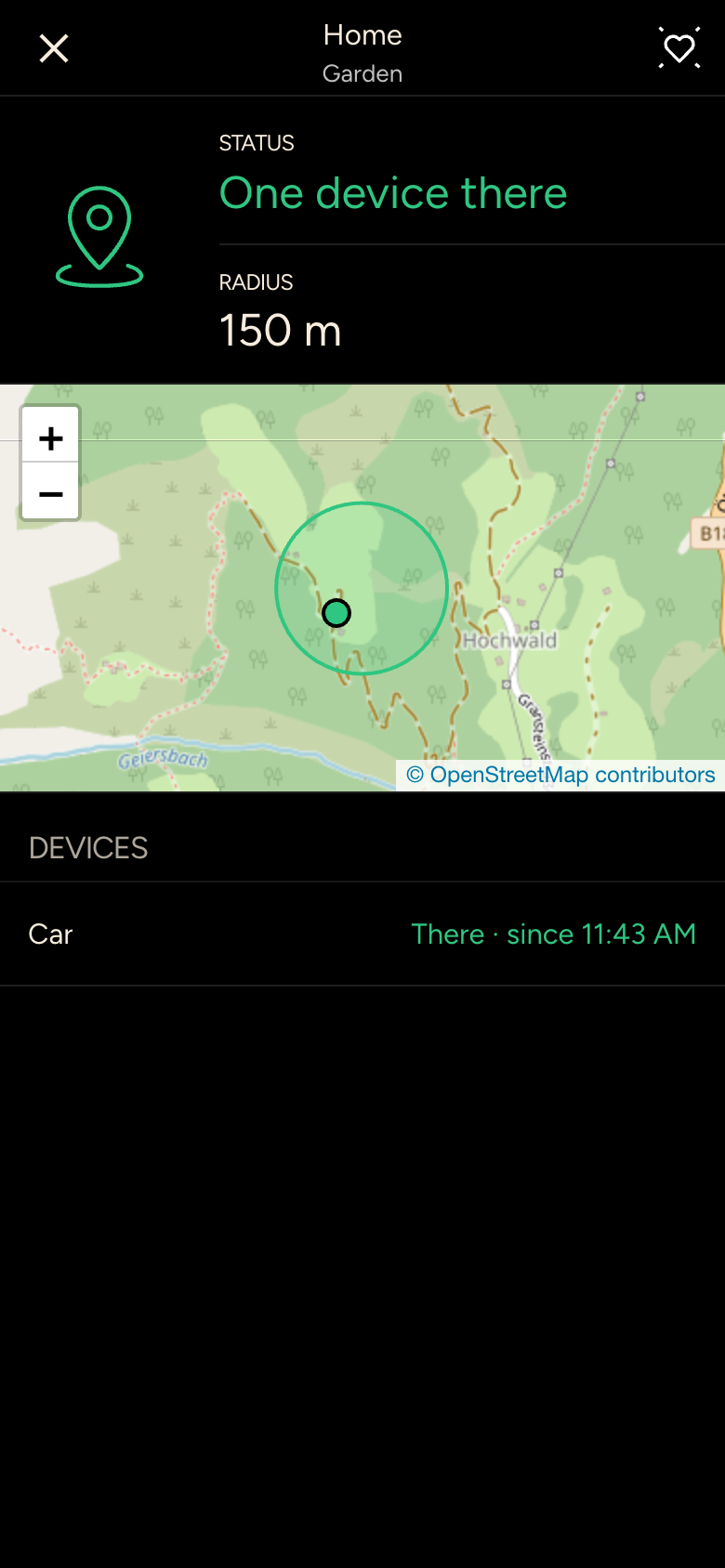
The details of a place show the status (There or Not there), the Radius on a map, and which devices have been there since when.