

Heating and climate
Setting the target temperature and operating mode.
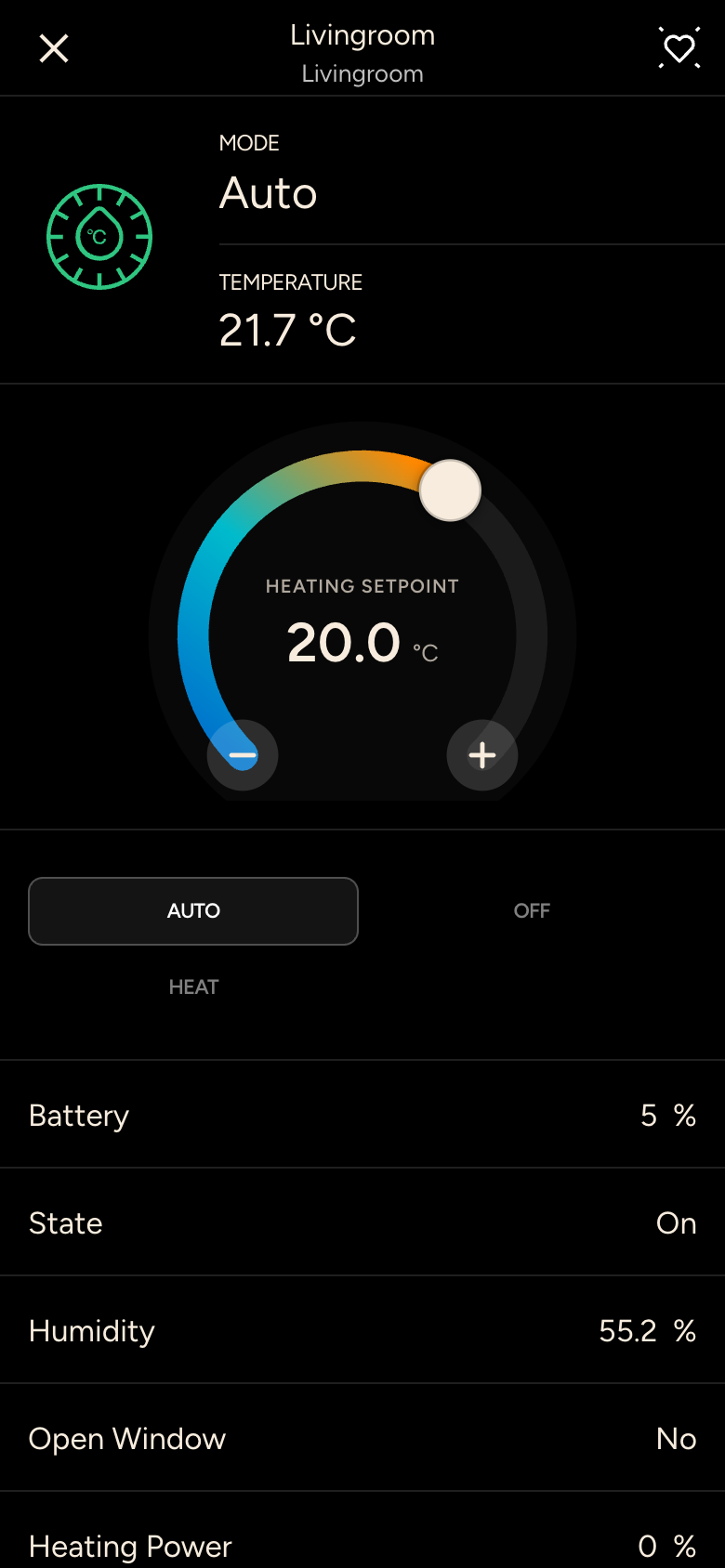
- Dial: drag the dot or tap + and – to set the temperature you want. The center shows the setpoint and the operating mode, for example HEATING SETPOINT.
- Mode: for example Auto, Comfort, Economy, Night or Frost Guard, depending on what your heating supports.
- At the top you see the current room temperature, and below it further values such as Humidity, Battery or open windows.
On systems with cooling, the dial shows a range in automatic mode: below it the system heats, above it it cools.