

Zones and rooms
Your home by zones and rooms, also as a floor plan.
Your integrator has divided your home into Zones (for example floors) and Rooms. Each zone has its own entry in the menu.
Zone
A zone shows its own status bar at the top and, below it, one card per room. Each card tells you what is currently going on in the room, for example "All on · 23.7 °C" or "One is playing".
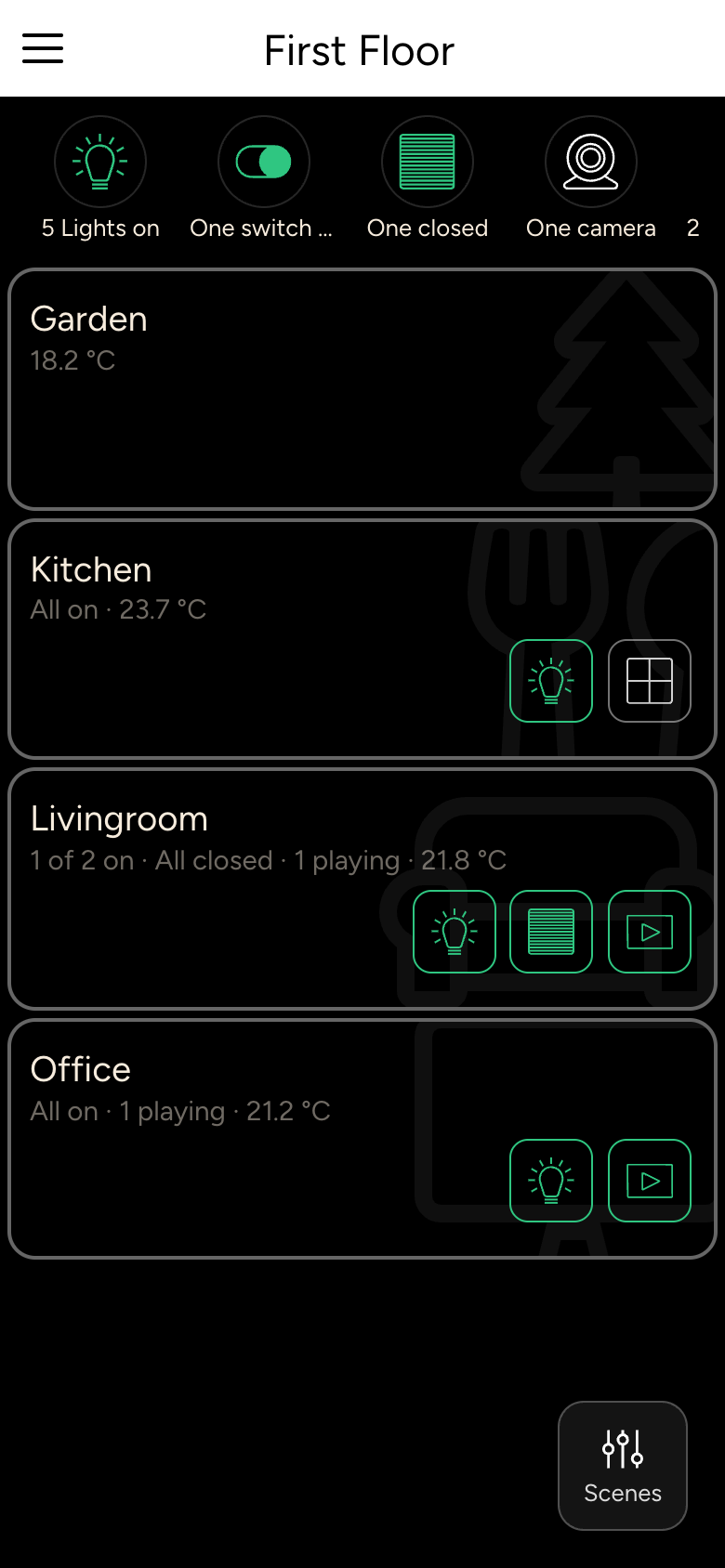
The small icons at the bottom right of a room card switch the lights, shading or music of the whole room:
- Tap to switch on or off.
- Long-press to open the room controls, for example to dim all lights or set the position of all roller shutters in the room.
Tap a room card to open the room.
Room
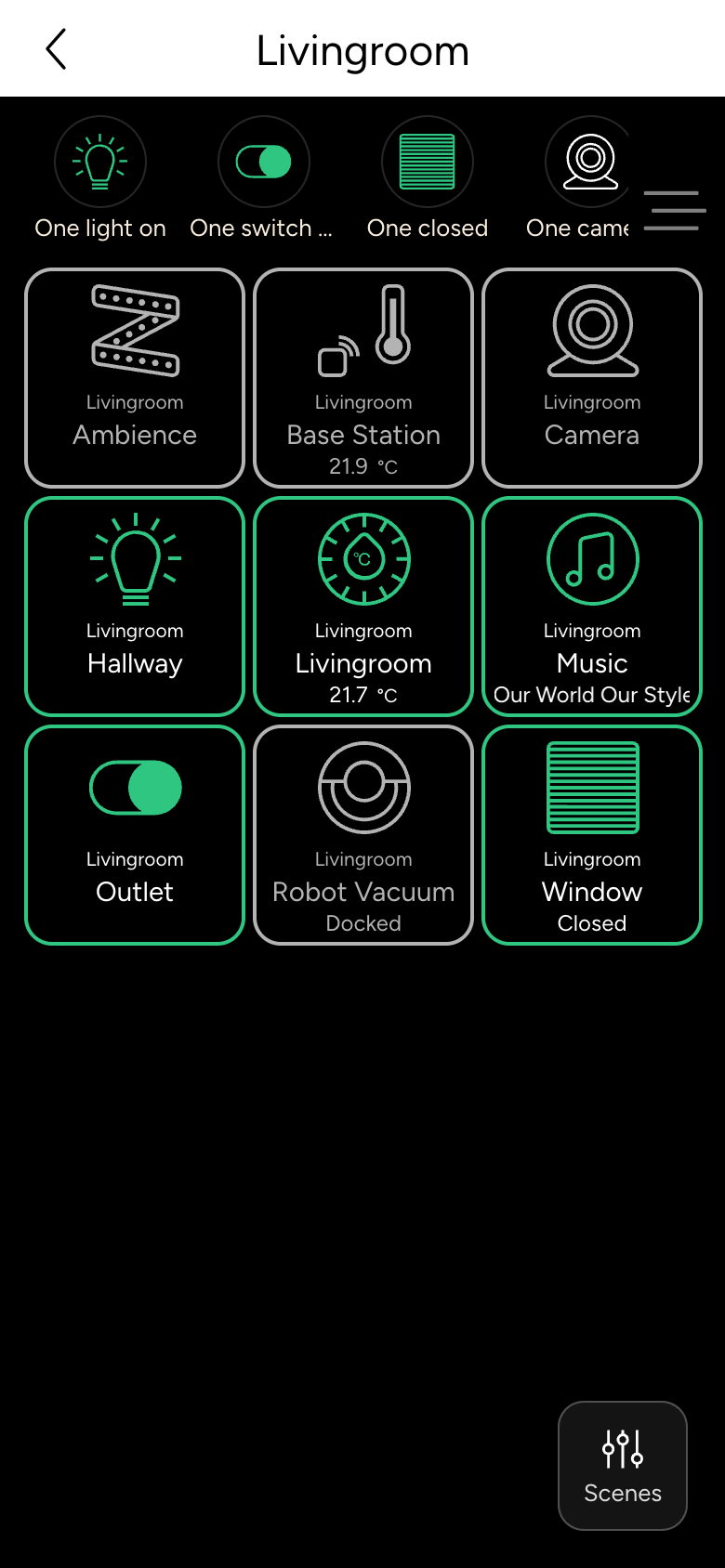
In the room you see all devices as tiles. Toggle Display switches between all devices, devices by type and, if set up, the floor plan.
Floor plan
On a tablet or computer, your integrator can add a floor plan. The devices then sit at their real position in the room, and you switch them directly in the plan. In a zone, the floor plan shows the rooms; tapping a room shows its devices.
Background image
If your integrator has enabled it, you can choose your own photo for each room: open the room and choose Background Image.